TrackTik vs GuardsPro vs Attlock: Security Software Comparison
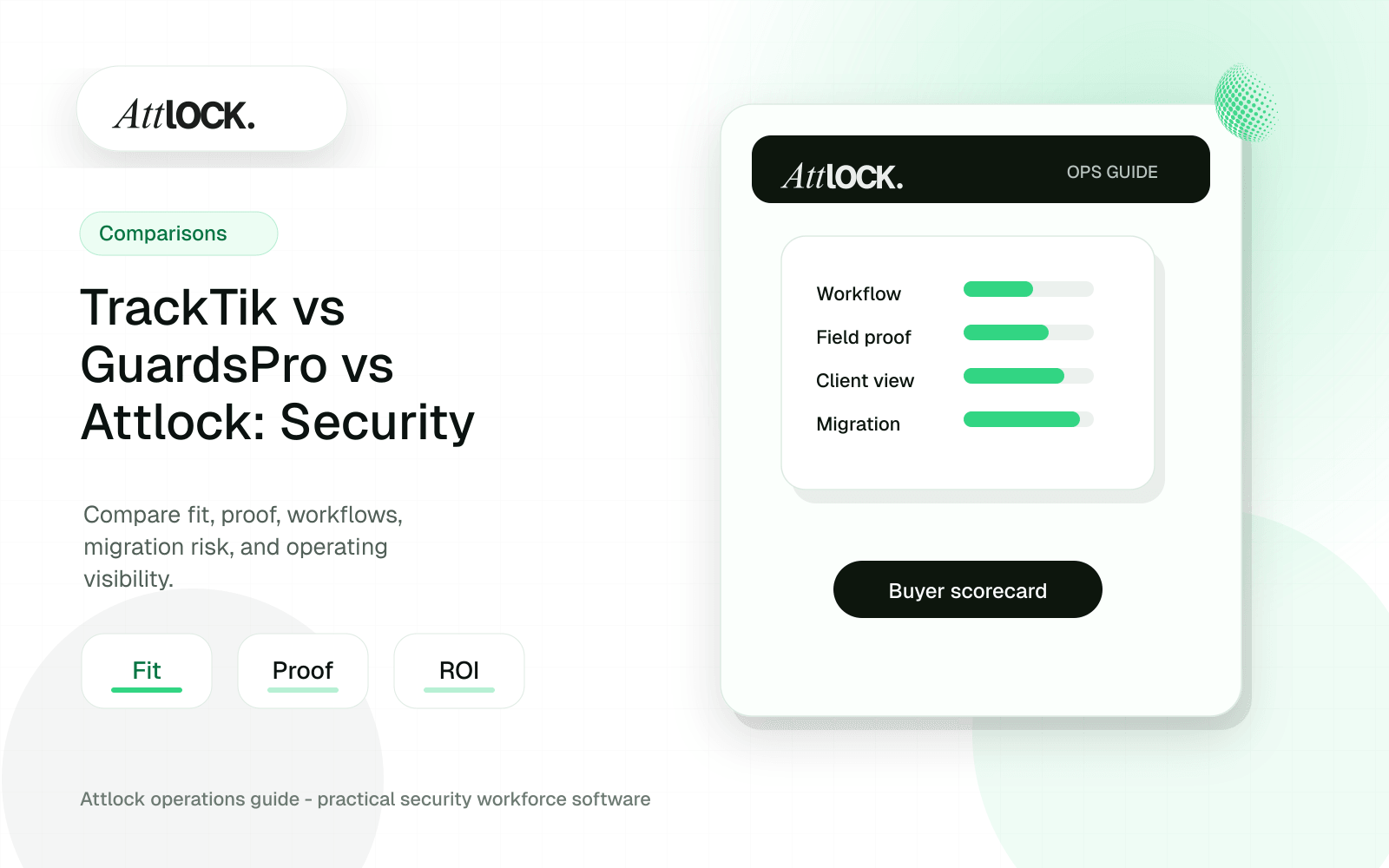
Table of Contents
- Workflow-Based Comparison Toolkit
- Neutral Positioning
- Comparison Scorecard
- Demo Scenario
- Workflow Checks
- Client Proof Output Example
- Red Flags By Platform
- Buying Recommendation
- Quick Comparison
- Compare By Workflow, Not By Logo
- Best-Fit Scenarios
- Choose TrackTik when
- Choose GuardsPro when
- Choose Attlock when
- Demo Questions That Expose Fit
- Where Attlock Fits
- A Practical Rollout Plan
- FAQ
- Which is better: TrackTik, GuardsPro, or Attlock?
- What is the most important comparison factor?
- Can a company use more than one security operations tool?
- How should we run a fair pilot?
- Operational Rollout Notes
- Configuration Table
- Related Attlock Workflows
Share Article
Workflow-Based Comparison Toolkit
TrackTik, GuardsPro, and Attlock should be compared by workflow evidence, not by who lists the most modules. Use the same demo script, same site data, and same scoring method for all three.
Neutral Positioning
| Platform | Consider when | Be careful to verify |
|---|---|---|
| TrackTik | You want a broad security workforce and back-office platform | Implementation scope, module pricing, and field adoption |
| GuardsPro | You want guard tour, reporting, scheduling/time, and client portal workflows | Scale, permissions, exports, and integrations |
| Attlock | You want an Attlock-centered operations workflow for guards, sites, shifts, patrols, incidents, supervisors, and client proof | Current feature coverage, migration fit, and rollout support |
Comparison Scorecard
Score 0-4 after the live demo. Use the same test data for each vendor.
| Criterion | Weight | TrackTik | GuardsPro | Attlock |
|---|---|---|---|---|
| Guard mobile workflow | 20% | __ | __ | __ |
| Patrol or tour proof | 15% | __ | __ | __ |
| Incident workflow | 15% | __ | __ | __ |
| Supervisor exception handling | 15% | __ | __ | __ |
| Client portal and reporting | 15% | __ | __ | __ |
| Scheduling, time, and payroll handoff | 10% | __ | __ | __ |
| Migration and data export | 10% | __ | __ | __ |
| Total weighted score | 100% | __ | __ | __ |
Demo Scenario
- Late guard: scheduled at 10 PM, arrives at 10:17 PM.
- Patrol exception: checkpoint B is missed.
- Incident: trespasser reported with two photos and a supervisor note.
- Client request: property manager asks for proof by 8 AM.
- Payroll review: admin needs late clock-in and overtime flag.
- Owner review: dashboard should show what happened without opening five reports.
Workflow Checks
| Workflow | Pass condition |
|---|---|
| Scheduling | Open shift, backup guard, and overtime warning are visible |
| Mobile app | Guard can complete work in the field without office help |
| Patrol proof | Checkpoints show timestamp, guard, site, and exception |
| Incident | Photos, category, severity, notes, and follow-up owner are captured |
| Supervisor | Exception appears live, not only in an end-of-day report |
| Client | Client sees only their own sites and proof |
| Admin | Time and export data reconcile without manual screenshots |
| Owner | Risk is visible by client, site, and shift, not just activity counts |
Client Proof Output Example
| Proof field | Example |
|---|---|
| Client | Harbor Plaza |
| Shift | 10:00 PM to 6:00 AM |
| Actual clock-in | 10:17 PM |
| Patrol result | 8 of 9 checkpoints completed |
| Exception | Checkpoint B missed at 1:14 AM |
| Supervisor action | Reviewed, guard contacted, route resumed |
| Incident | Trespasser at loading dock, photos attached |
| Payroll flag | Late arrival, supervisor-approved |
Red Flags By Platform
| Platform | Red flag |
|---|---|
| TrackTik | Demo stays at platform overview and does not run your site-level workflow |
| GuardsPro | Reports look useful but exports, roles, or client permissions are too limited for your contracts |
| Attlock | Your required billing, payroll, or back-office workflow is not shown live |
| Any vendor | No mobile demo, no sample client output, no migration plan, or no clear owner for implementation |
Buying Recommendation
- Pick TrackTik if the winning demo proves broad operations plus back-office depth with your data.
- Pick GuardsPro if the winning demo proves fast field adoption, guard tour reporting, and client visibility.
- Pick Attlock if the winning demo proves the clearest guard-to-supervisor-to-client accountability workflow for your operation.
- Do not pick any platform until it can produce the proof packet your best client would accept.
Quick Comparison
| Platform | Best fit | Potential limitation | Strongest buyer question |
|---|---|---|---|
| TrackTik | Larger or more complex teams wanting broad security workforce tooling | Can feel heavy if the team needs fast field adoption | How much setup is required before guards can use it live? |
| GuardsPro | Teams focused on guard tour, GPS, and mobile reporting | May not replace every scheduling and back-office workflow | Can it produce client-ready proof without manual work? |
| Attlock | Security companies wanting one connected operating record | Not ideal for teams seeking only a single-purpose tool | Can we pilot scheduling, patrols, reports, and portal together? |
Compare By Workflow, Not By Logo
A strong comparison starts with the daily operating loop. The guard is scheduled, clocks in, reviews post orders, completes patrols, documents exceptions, and submits reports. A supervisor reviews the record. A client may later ask for proof. The best platform is the one that makes that loop reliable with the least manual cleanup.
| Workflow | What good looks like | Why it matters |
|---|---|---|
| Scheduling and time clock | Coverage, availability, attendance, and exceptions share one record | Prevents missed shifts and margin leakage |
| Guard tours | QR, NFC, GPS, and missed checkpoint alerts connect to the shift | Turns patrol scans into proof of service |
| Incident reporting | Structured reports include photos, location, severity, and review status | Protects the company during disputes |
| Client visibility | Reports and portal views show reviewed activity, not raw noise | Improves retention and trust |
Best-Fit Scenarios
Choose TrackTik when
TrackTik may be the better fit when a larger operation wants a broad platform and has the implementation resources to configure, train, and maintain a more complex environment.
Choose GuardsPro when
GuardsPro may fit teams whose primary buying requirement is guard tour execution, GPS patrol tracking, and mobile reporting, especially when back-office workflows are already covered elsewhere.
Choose Attlock when
Attlock is strongest when the buyer wants security-specific workflows connected: staffing, time clock, patrol proof, post orders, incident reports, dispatch context, supervisor review, and client reporting.
Demo Questions That Expose Fit
- Show a late guard, a missed checkpoint, and the supervisor action in the same workflow.
- Show the exact report or portal view a client would see after a shift.
- Show how a site is configured with post orders, routes, required reports, and role permissions.
- Show what happens when a guard has poor connectivity during a patrol.
- Show how data exports work if the company changes vendors later.
Where Attlock Fits
Attlock belongs on the shortlist when a company is trying to modernize the full security workflow rather than buy one isolated module. It gives operations leaders a connected record from scheduled coverage to client proof, which is the part clients actually judge.
If your company already has a mature back-office platform and only needs a narrow checkpoint scanner, Attlock may be more than you need. The platform is designed for teams that want operational accountability across roles.
A Practical Rollout Plan
- Week 1: audit the current security software comparison workflow, list the sites affected, and decide which records must be client-ready.
- Week 2: configure one active site with real guards, post orders, patrol requirements, notification rules, and supervisor ownership.
- Week 3: run the workflow during live shifts and measure missed steps, manual edits, supervisor review time, and client questions.
- Week 4: expand only after the pilot proves that guards can use the mobile workflow and managers can review the records without cleanup.
FAQ
Which is better: TrackTik, GuardsPro, or Attlock?
The better choice depends on workflow fit. TrackTik is often evaluated for broad workforce needs, GuardsPro for guard tour and mobile patrol operations, and Attlock for connected scheduling, patrol proof, reporting, and client visibility. The right answer should come from a live workflow pilot, not a static feature list.
What is the most important comparison factor?
The most important factor is whether the platform creates a trustworthy service record. A security company needs to show who was scheduled, who arrived, what was done, what went wrong, who reviewed it, and what the client can see. Everything else supports that record.
Can a company use more than one security operations tool?
Yes, but every extra tool increases handoff risk. If schedules, patrol logs, incident reports, and client updates live in different systems, managers spend more time reconciling records. A multi-tool setup can work, but ownership and exports must be very clear.
How should we run a fair pilot?
Use one real site with normal shift pressure, not a clean test account. Include a guard, supervisor, dispatcher or manager, and one client-facing report. Measure mobile adoption, exception review time, report quality, and whether the client proof is usable without edits.
Operational Rollout Notes
Comparison articles should help a buyer test fit, not just list features. The practical move is to run the same workflow through each platform and score how much cleanup remains after the demo ends.
Configuration Table
| Workstream | What to configure | Owner |
|---|---|---|
| Workflow test | One site, one shift, one patrol, one incident | Buyer team |
| Proof quality | Timestamps, GPS, media, approval trail | Operations lead |
| Client output | Portal view, report packet, exception summary | Account manager |
| Migration risk | Data import, training, rollout support | Leadership |
Related Attlock Workflows
In Attlock, this connects naturally to guard tour system, scheduling, and client portal so the article turns into an operating workflow instead of a static note.