Security Dispatch Software: Buyer Guide for Guard Companies
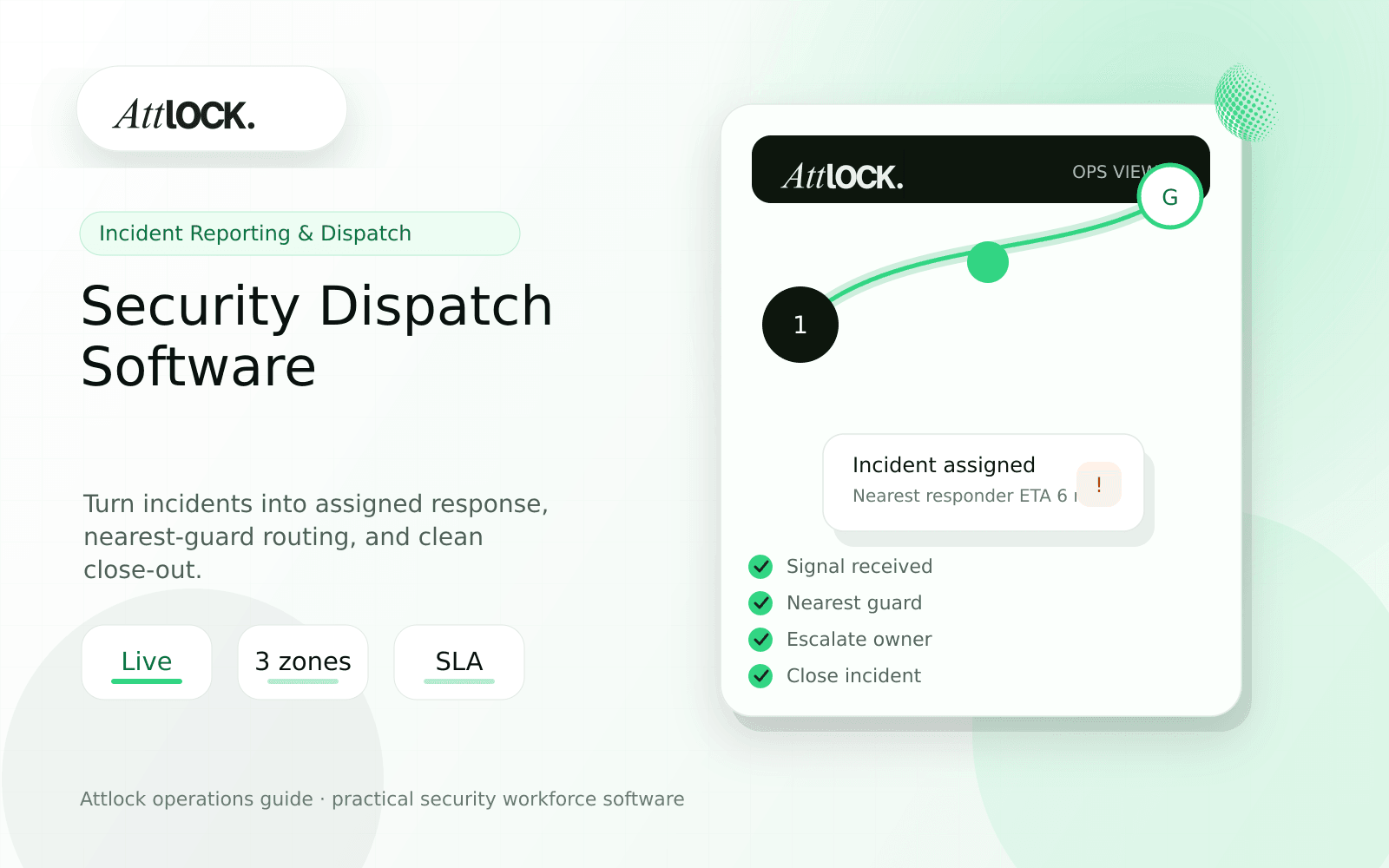
Table of Contents
- Security Dispatch Software Buyer Toolkit
- Dispatch Workflow Checklist
- Demo Scenario To Run
- Dispatch Handoff Output
- Red Flags
- Where Attlock Fits
- FAQ
- What is security dispatch software?
- What should a security company test before buying?
- What output should managers expect?
- Where does Attlock fit?
- Operational Rollout Notes
- Configuration Table
- Supervisor Checklist
- Related Attlock Workflows
- 30-Day Dispatch Rollout Plan
- Manager review questions
Share Article
Security Dispatch Software Buyer Toolkit
TL;DR
Good dispatch software does not just send alerts. It gives supervisors enough context to decide who should respond, what they need to know, and how the response gets documented.
Security dispatch breaks down when calls, texts, patrol records, and incident notes live in different places. A dispatcher needs one view of sites, guards, shifts, incidents, and open tasks.
Dispatch Workflow Checklist
| Workflow | What to verify | Why it matters |
|---|---|---|
| Incoming issue | Can dispatch create an event by site and severity? | Prevents vague radio notes |
| Nearest responder | Can supervisors see available guards and location context? | Reduces guesswork during live response |
| Escalation | Can the event notify supervisor, client, or emergency contact? | Keeps urgent issues from stalling |
| Incident handoff | Can the response become an incident report? | Avoids duplicate writing |
| Close-out | Can managers see unresolved events? | Stops open issues from disappearing |
Demo Scenario To Run
- Create an event at a warehouse loading dock.
- Mark the severity as urgent but not emergency.
- Assign the nearest on-duty guard.
- Send post instructions and site contact details.
- Have the guard add photos and a short update.
- Convert the dispatch event into an incident report.
- Close the event with supervisor review.
Dispatch Handoff Output
| Field | Useful output |
|---|---|
| Event | Unauthorized person near loading dock |
| Site context | Gate code, client contact, recent trespass notes |
| Responder | Nearest available guard and ETA |
| Action taken | Guard arrived, observed area, uploaded photos |
| Escalation | Supervisor notified, client update pending |
| Close-out | Converted to incident report and reviewed |
Red Flags
- Dispatch notes cannot be linked to the shift or incident.
- The map shows guard location but not availability or assignment status.
- Escalations happen outside the system with no audit trail.
- Client updates require a manual rewrite after the event.
- Supervisors cannot filter open dispatch events by site or priority.
Where Attlock Fits
Attlock brings live dispatch, incident reporting, schedules, and live tracking into the same operating context. That lets teams move from alert to response to reviewed record without rebuilding the story later.
Dispatch works best when it is connected to live tracking and incident reporting, not treated as a separate message inbox.
FAQ
What is security dispatch software?
security dispatch software is the workflow, software, and review process a security company uses to keep live response work visible, documented, and ready for supervisor or client review.
What should a security company test before buying?
Test one real site, one real shift, one guard mobile workflow, one supervisor exception, and one client-ready report. If the vendor cannot show that full chain, the tool may create more cleanup work after rollout.
What output should managers expect?
A useful dispatch output shows event type, site, severity, responder, ETA, action taken, escalation status, attachments, and close-out owner.
Where does Attlock fit?
Attlock fits teams that want schedules, time records, post orders, patrols, incidents, live visibility, and client proof connected in one operating loop. Start with a demo or test the workflow from sign-up.
Operational Rollout Notes
Incident and dispatch workflows need clear ownership. A strong process captures the first signal, assigns a response, escalates when needed, and leaves a record that can be reviewed without searching messages or screenshots.
Configuration Table
| Workstream | What to configure | Owner |
|---|---|---|
| Intake | Alert, guard note, client request, or patrol exception | Dispatcher |
| Assignment | Owner, priority, site, response due time | Supervisor |
| Evidence | Photos, statements, timestamps, location context | Responder |
| Close-out | Resolution, client summary, follow-up owner | Operations manager |
Supervisor Checklist
- Define which incident types require immediate dispatch.
- Give supervisors a queue for unreviewed reports.
- Require owner and status on every open incident.
- Keep media attachments tied to the original event.
- Write client summaries in plain operational language.
- Review escalation misses after every serious event.
Related Attlock Workflows
In Attlock, this connects naturally to incident reporting, live dispatch, and field operations so the article turns into an operating workflow instead of a static note.
30-Day Dispatch Rollout Plan
Treat dispatch software as a control-room workflow first and a reporting tool second. The first month should prove that incoming work is captured quickly, assigned to the right owner, and closed with enough evidence for the client or internal review.
Manager review questions
- Are late arrivals, emergency calls, alarm responses, and client requests entering the same queue?
- Can a dispatcher see which supervisor owns each open item without asking in a chat thread?
- Do priority rules match the sites that carry the highest client or safety risk?
- Are unresolved items reviewed before the next shift change?
- Can the final record explain who responded, when they arrived, what they found, and what follow-up remains?
A strong rollout usually starts with one dispatch desk, one region, and a daily review of missed assignments. Once supervisors trust the queue, expand the same workflow to more sites and client accounts.