Security Guard Time Clock App: What To Look For
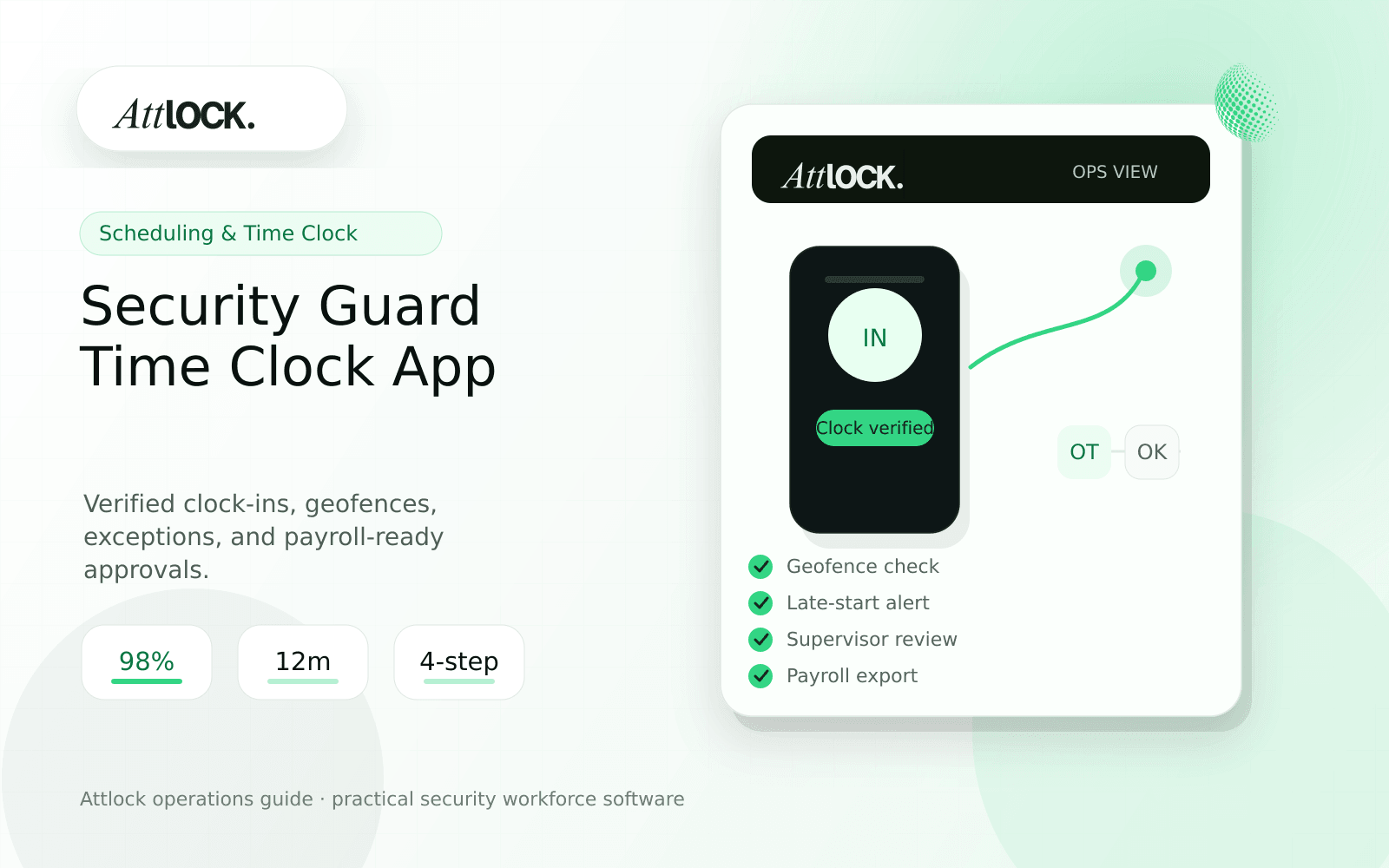
Table of Contents
- Security Guard Time Clock App Buyer Toolkit
- What To Test First
- Field Checklist
- Run This Demo Scenario
- Payroll-Ready Output Example
- Red Flags
- Where Attlock Fits
- FAQ
- What is a security guard time clock app?
- What should a security company test before buying?
- What output should managers expect?
- Where does Attlock fit?
- Operational Rollout Notes
- Configuration Table
- Supervisor Checklist
- Related Attlock Workflows
- Implementation Detail to Watch
Share Article
Security Guard Time Clock App Buyer Toolkit
TL;DR
A guard time clock app is useful only if it proves who clocked in, where they were, whether the shift matched the schedule, and what a supervisor approved before payroll.
Security companies do not just need a start and end time. They need proof that the right guard reached the right site, followed site rules, handled exceptions cleanly, and produced a record that payroll and clients can trust.
What To Test First
| Need | Demo test | Pass condition |
|---|---|---|
| Geofence clock-in | Guard attempts to clock in one block away | System blocks or flags the attempt |
| Schedule match | Guard clocks in before and after the scheduled start | Early and late events are labeled clearly |
| Break rules | Guard misses a required break | Supervisor sees the exception before payroll |
| Offline handling | Guard loses signal at a site entrance | Record syncs without losing timestamp history |
| Payroll export | Admin exports approved hours | Edits, exceptions, and approvals stay visible |
Field Checklist
- Use the same phone models your guards use in the field.
- Test clock-in at the correct gate, wrong gate, and offsite location.
- Check whether manual edits require a reason.
- Confirm supervisors can approve exceptions before payroll.
- Export one pay period and verify the record is readable without screenshots.
Run This Demo Scenario
- Create a site with a 10 PM to 6 AM shift.
- Assign one guard and one supervisor.
- Try an offsite clock-in before the shift.
- Clock in late from the correct geofence.
- Miss a meal break and add a supervisor note.
- Clock out from the site and export approved hours.
Payroll-Ready Output Example
| Field | Example |
|---|---|
| Guard | A. Singh |
| Site | North Gate |
| Scheduled shift | 22:00 to 06:00 |
| Actual clock-in | 22:11, geofence matched |
| Exception | Late start, supervisor approved |
| Break | Missed, reason required |
| Payroll status | Approved with exception note |
Red Flags
- Clock-in records can be edited without an audit trail.
- The app stores GPS but does not show whether the guard was inside the site boundary.
- Payroll exports do not include supervisor approval status.
- Late starts are hidden inside a generic time sheet.
- The mobile app works in the office demo but not on the guard phone.
Where Attlock Fits
Attlock connects time and attendance with scheduling, site context, supervisor review, and downstream reporting. That matters because a time record is rarely just payroll data. It is also coverage proof.
For teams comparing time clock tools, start with the scheduling workflow, then test how the time record flows into reports and client conversations.
FAQ
What is a security guard time clock app?
a security guard time clock app is the workflow, software, and review process a security company uses to keep attendance and payroll work visible, documented, and ready for supervisor or client review.
What should a security company test before buying?
Test one real site, one real shift, one guard mobile workflow, one supervisor exception, and one client-ready report. If the vendor cannot show that full chain, the tool may create more cleanup work after rollout.
What output should managers expect?
A clean output shows scheduled time, actual time, geofence result, exceptions, edit history, supervisor approval, and payroll status.
Where does Attlock fit?
Attlock fits teams that want schedules, time records, post orders, patrols, incidents, live visibility, and client proof connected in one operating loop. Start with a demo or test the workflow from sign-up.
Operational Rollout Notes
Use the rollout as an operations test, not just a calendar test. A scheduling workflow only helps when supervisors can see open coverage, guards understand where to report, and payroll can trust the time records that come out of the shift.
Configuration Table
| Workstream | What to configure | Owner |
|---|---|---|
| Coverage rules | Open shifts, site requirements, overtime thresholds | Operations manager |
| Clock events | Geofence, early start, late start, missed break | Payroll or admin lead |
| Supervisor review | Exception queue and approval notes | Field supervisor |
| Client proof | Coverage summary and service exceptions | Account manager |
Supervisor Checklist
- Test one real site before expanding to all branches.
- Create one late-start and one no-show scenario.
- Confirm supervisors can approve exceptions without editing raw records.
- Check that payroll can see who changed a time record and why.
- Review mobile behavior on the same phones guards use.
- Document the weekly handoff from schedule to payroll.
Related Attlock Workflows
In Attlock, this connects naturally to scheduling, time and attendance, and payroll handoff so the article turns into an operating workflow instead of a static note.
Implementation Detail to Watch
The most common rollout mistake is treating mobile clock-ins as a payroll-only feature. Supervisors also need a same-day exception queue that shows early starts, late starts, missed breaks, no-shows, and geofence mismatches while the shift can still be corrected. That queue should be reviewed before payroll export and before client billing is finalized, because the same time record often supports both guard pay and client proof of service.