Digital Post Orders for Security Guards: Practical Guide
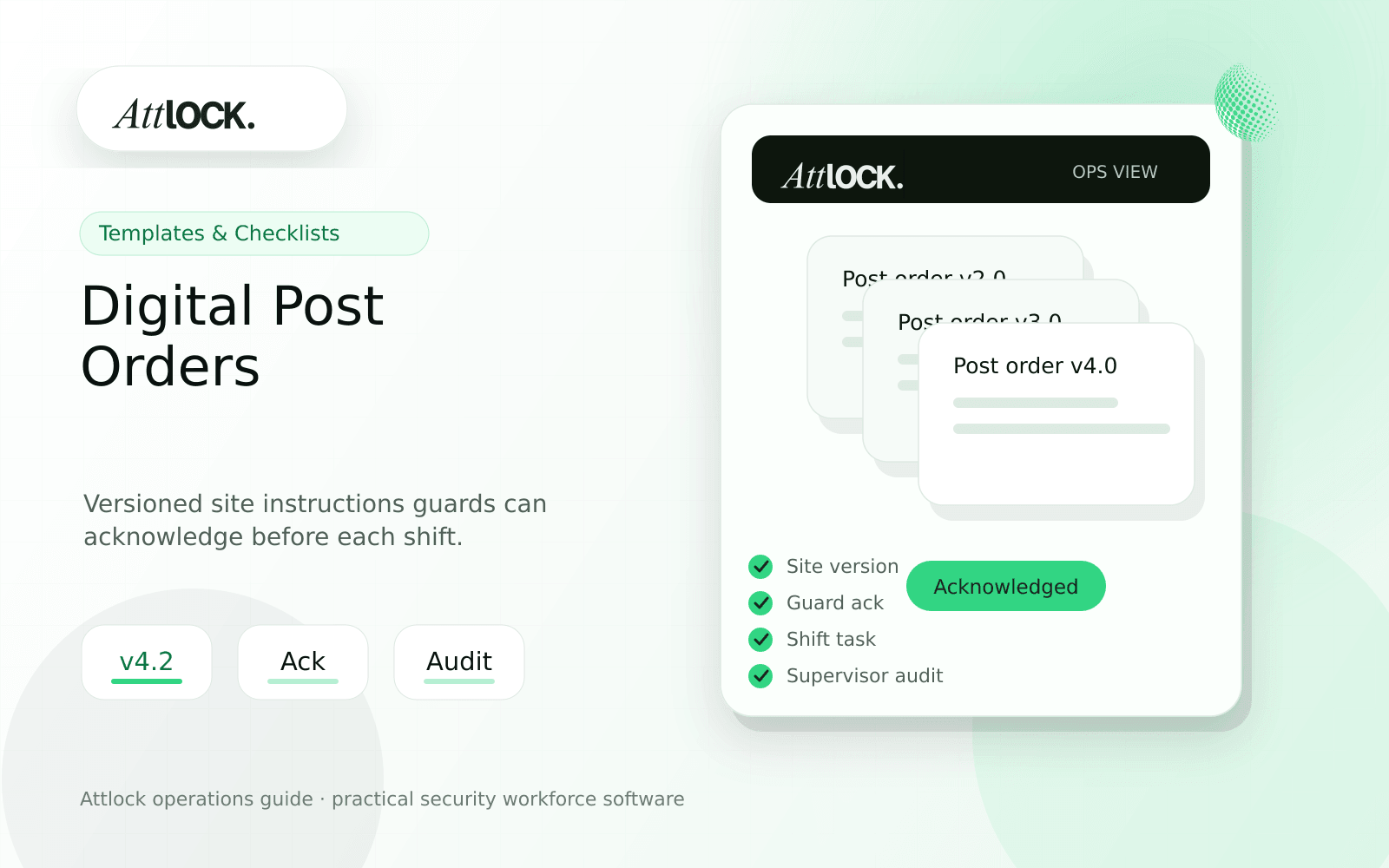
Table of Contents
- Digital Post Orders Toolkit
- What To Include
- Acknowledgement Workflow
- Demo Scenario
- Output Example
- Red Flags
- Where Attlock Fits
- FAQ
- What is digital post orders?
- What should a security company test before buying?
- What output should managers expect?
- Where does Attlock fit?
- Operational Rollout Notes
- Configuration Table
- Supervisor Checklist
- Related Attlock Workflows
- 30-Day Post Order Rollout Plan
- Manager review questions
Share Article
Digital Post Orders Toolkit
TL;DR
A post order is not useful because it exists. It is useful when the guard sees the right instruction at the right site and supervisors know which version was acknowledged.
Paper binders and PDFs fail quietly. They get outdated, ignored, or stored where guards cannot find them during a shift. Digital post orders should turn instructions into an operational control, not a file cabinet.
What To Include
| Section | Required detail | Review standard |
|---|---|---|
| Arrival instructions | Where to enter, who to call, access codes | Specific enough for a new guard |
| Patrol requirements | Route, frequency, checkpoints, exceptions | Matches actual site risk |
| Incident escalation | Who to notify by severity | Clear after-hours path |
| Client rules | Visitor, parking, delivery, restricted areas | No vague policy language |
| Emergency steps | Fire, medical, violence, alarm response | Short, visible, tested |
Acknowledgement Workflow
- Publish a new post order version.
- Notify assigned guards and supervisors.
- Require acknowledgement before or during clock-in.
- Record guard, timestamp, site, and version number.
- Flag guards who have not acknowledged the current version.
- Keep old versions available for dispute review.
Demo Scenario
- Create a post order for a residential gatehouse.
- Add visitor instructions, patrol schedule, and emergency contacts.
- Change the delivery policy and publish version 2.
- Have one guard acknowledge and one guard miss the acknowledgement.
- Review the supervisor dashboard for compliance gaps.
Output Example
| Field | Example |
|---|---|
| Post order | Residential Gatehouse |
| Current version | v2, published June 5 |
| Change | Delivery drivers require unit confirmation after 9 PM |
| Acknowledged | 8 of 10 assigned guards |
| Missing | Two guards flagged before next shift |
| Audit trail | Version, publisher, guard acknowledgements retained |
Red Flags
- Post orders are uploaded as PDFs but not tied to sites or shifts.
- No one can tell which guards read the latest version.
- Emergency instructions are buried below long policy text.
- Old versions disappear after edits.
- Guards cannot access instructions from the mobile app.
Where Attlock Fits
Attlock treats post orders as part of the shift workflow. A guard should see site instructions near clock-in, patrol, incident, and pass-down work, not in a separate folder.
For deeper operating guidance, pair post orders with field operations and the help center during rollout.
FAQ
What is digital post orders?
digital post orders is the workflow, software, and review process a security company uses to keep site instruction work visible, documented, and ready for supervisor or client review.
What should a security company test before buying?
Test one real site, one real shift, one guard mobile workflow, one supervisor exception, and one client-ready report. If the vendor cannot show that full chain, the tool may create more cleanup work after rollout.
What output should managers expect?
A useful output shows current version, published date, assigned guards, acknowledgement status, missing acknowledgements, and old version history.
Where does Attlock fit?
Attlock fits teams that want schedules, time records, post orders, patrols, incidents, live visibility, and client proof connected in one operating loop. Start with a demo or test the workflow from sign-up.
Operational Rollout Notes
Compliance content should become an operating habit, not a folder that gets opened only during an audit. The useful workflow shows what is required, who owns the next update, and what proof can be produced for a client or regulator.
Configuration Table
| Workstream | What to configure | Owner |
|---|---|---|
| Requirement | License, training, post order, checklist, policy | Compliance owner |
| Field acknowledgement | Guard read receipt or completed task | Supervisor |
| Evidence | Document, timestamp, attachment, approval | Admin |
| Audit output | Current status and missing items | Leadership |
Supervisor Checklist
- Assign an owner to every required document.
- Review expiry dates before scheduling guards to restricted sites.
- Keep post-order acknowledgements attached to the site.
- Separate draft instructions from active instructions.
- Run a monthly missing-record report.
- Export audit packets before client review meetings.
Related Attlock Workflows
In Attlock, this connects naturally to compliance, post orders, and field operations so the article turns into an operating workflow instead of a static note.
30-Day Post Order Rollout Plan
Digital post orders work best when they are treated as live operating instructions, not a PDF replacement. The first month should focus on cleaning up site instructions, confirming guard acknowledgement, and removing outdated versions from daily use.
Manager review questions
- Which sites still rely on binders, email attachments, or supervisor memory?
- Do guards see only the active post orders for the site and shift they are working?
- Can supervisors confirm that guards opened or acknowledged critical instructions?
- Are emergency contacts, access rules, patrol steps, and client-specific notes reviewed on a fixed schedule?
- Is there a clear owner for approving changes before instructions go live?
Start with high-risk or high-complaint sites, then standardize the review cadence. A useful post-order system should reduce repeat questions from guards and reduce client disputes about whether instructions were followed.