Top Modern Alternatives to TrackTik & Legacy Software in 2026
Table of Contents
- When to Look for a TrackTik Alternative
- Top Alternatives and Software Paths to Compare
- 1. Attlock: Modern Security Workforce Operations
- 2. TrackTik: Established Enterprise Security Workforce Management
- 3. GuardsPro: Guard Tour and Operations Management
- 4. Silvertrac: Legacy Guard Tour Workflows
- 5. General Workforce Apps
- Comparison Criteria for Security Guard Management Software
- Best Fit by Buyer Type
- Best for growing security companies
- Best for enterprise evaluation teams
- Best for guard-tour-heavy operations
- Best for scheduling-only needs
- Questions to Ask Before Switching
- Why Attlock Belongs on the Shortlist
- FAQ
- What is the best TrackTik alternative?
- Should security companies use general workforce software?
- What should I compare before switching security software?
- Feature Matrix to Build Before You Demo Vendors
- Red Flags During a Security Software Demo
- Migration Planning for TrackTik or Legacy Software
- Why Purpose-Built Security Software Wins Over Generic Tools
- Final Recommendation
- Operational Rollout Notes
- Configuration Table
- Related Attlock Workflows
Share Article
The best TrackTik alternative depends on how your security operation works. Teams should compare guard scheduling, mobile patrol proof, GPS tracking, incident reporting, client portals, payroll handoff, data ownership, and day-to-day usability. Attlock is built for security companies that want a modern operating system for guards, supervisors, dispatchers, and clients without relying on disconnected tools.
TrackTik and other established platforms helped move security operations away from paper and spreadsheets. But many companies are now re-evaluating legacy systems because their teams need faster workflows, better mobile adoption, cleaner client reporting, and more practical visibility into labor cost and field execution.
When to Look for a TrackTik Alternative
A software switch is not something to take lightly. The right time to compare alternatives is when the current system creates operational drag. That can show up as slow adoption by guards, too many manual workarounds, limited reporting flexibility, confusing client visibility, or difficulty connecting scheduling, patrol proof, incidents, and payroll handoff.
- Dispatchers are still using calls, texts, and spreadsheets beside the software.
- Guards avoid the mobile app because it feels slow or hard to use.
- Managers cannot quickly prove who was on site, what patrols were completed, and which incidents need follow-up.
- Clients ask for reports that take too long to prepare.
- Owners cannot easily see which sites create margin risk through overtime, unbilled work, or manual corrections.
Top Alternatives and Software Paths to Compare
1. Attlock: Modern Security Workforce Operations
Attlock is designed for security teams that want scheduling, time clock, patrol proof, incident reporting, client visibility, and operational oversight in one security-focused platform. It is a strong fit for companies that need to manage guards across sites, reduce paper reporting, improve accountability, and give clients cleaner evidence of service.
Attlock is especially useful when the buyer wants the software to support the actual rhythm of security work: open shifts, mobile patrols, post orders, incident follow-up, supervisor review, client reporting, and visibility into the work behind each contract.
2. TrackTik: Established Enterprise Security Workforce Management
TrackTik remains a major name in security workforce management. It is often evaluated by larger teams that want a broad platform with enterprise-oriented resources and security operations workflows. Buyers comparing TrackTik should pay close attention to implementation effort, guard experience, reporting needs, and whether the platform fits their team size and operating model.
3. GuardsPro: Guard Tour and Operations Management
GuardsPro is commonly evaluated by companies looking for guard tour features, mobile app workflows, tracking, reporting, and client transparency. Teams comparing GuardsPro should consider how deeply they need scheduling, dispatch, time clock, payroll handoff, reporting, and client retention workflows to connect.
4. Silvertrac: Legacy Guard Tour Workflows
Silvertrac is often part of the conversation for teams with existing guard tour and reporting workflows. If your company is outgrowing older software, compare how each platform handles mobile usability, supervisor visibility, client reporting, integrations, and migration of operational processes.
5. General Workforce Apps
Some security companies consider general workforce tools for scheduling, messaging, or time tracking. These tools can be useful for simple staffing needs, but they usually do not cover security-specific requirements like patrol proof, incident reports, post orders, client portals, dispatch workflows, and service verification.
Comparison Criteria for Security Guard Management Software
The strongest buying process starts with workflows, not feature lists. A feature may look good in a demo but still fail if it does not help guards, supervisors, and clients complete their daily work.
- Guard scheduling: Can managers fill open shifts, reduce no-shows, manage availability, and see coverage gaps quickly?
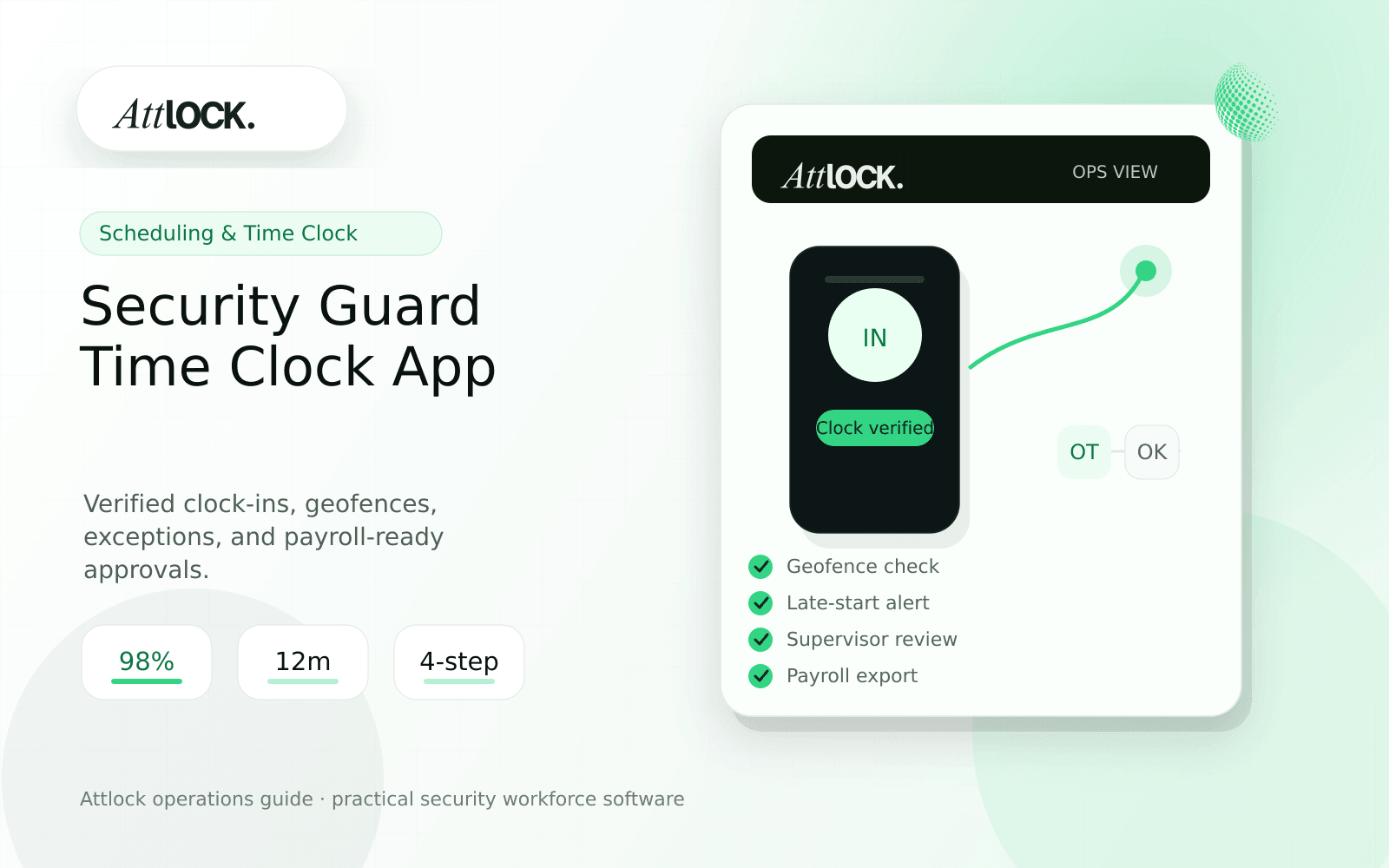
- Time clock: Can the system support clock-ins, approvals, exceptions, and payroll-ready records?
- Guard tour and GPS: Can supervisors verify patrol completion, location context, missed checkpoints, and lone-worker activity?
- Incident reporting: Can guards submit clear reports from the field with photos, timestamps, and supervisor review?
- Client reporting: Can clients receive professional proof of service without manual report assembly?
- Mobile usability: Will guards actually use the app during busy, low-light, or high-pressure shifts?
- Data ownership: Can the company export records and maintain continuity if it changes vendors later?
- Implementation: Can the team launch without months of configuration and retraining?
Best Fit by Buyer Type
Best for growing security companies
Attlock is a strong fit for growing security companies that need a security-specific operating system without stitching together scheduling, reporting, guard tour, and client communication tools. The priority is practical field execution and manager visibility.
Best for enterprise evaluation teams
Larger organizations should compare TrackTik, Attlock, and other enterprise-capable tools around implementation effort, data ownership, support, reporting depth, and fit with existing security operations processes.
Best for guard-tour-heavy operations
Teams focused heavily on patrol verification should compare Attlock, GuardsPro, Silvertrac, and TrackTik around GPS tracking, checkpoints, route proof, missed patrol alerts, and client-ready reporting.
Best for scheduling-only needs
If a company only needs simple shift scheduling, a general workforce app may work. But once the operation needs proof of patrol, incident reporting, site instructions, client visibility, and security-specific accountability, a purpose-built security platform is usually the better path.
Questions to Ask Before Switching
- What workflows are still happening outside the current system?
- Which reports take the most admin time to prepare?
- Where do supervisors lack visibility during live shifts?
- Which clients ask for more proof, faster reporting, or better transparency?
- How will historical data, post orders, site records, and client reports be preserved?
- What does success look like 30, 60, and 90 days after launch?
Why Attlock Belongs on the Shortlist
Attlock focuses on the day-to-day operating reality of security work. Guards need a mobile workflow they can actually use. Supervisors need live context. Admins need cleaner scheduling and reporting. Clients need proof. Owners need visibility into whether operations are improving or quietly leaking margin.
That combination makes Attlock a practical option for companies comparing TrackTik alternatives, GuardsPro alternatives, Silvertrac alternatives, or any legacy security software replacement in 2026.
FAQ
What is the best TrackTik alternative?
The best TrackTik alternative depends on company size, workflows, and implementation needs. Attlock is a strong option for security companies that want scheduling, time clock, guard tour, incident reporting, and client visibility in one modern platform.
Should security companies use general workforce software?
General workforce software can work for simple scheduling, but it usually lacks security-specific workflows such as patrol proof, incident documentation, post orders, dispatch, and client reporting.
What should I compare before switching security software?
Compare mobile adoption, scheduling, time clock, guard tour proof, incident reporting, client portals, data export, implementation effort, support, and how each platform handles your real field workflows.
Feature Matrix to Build Before You Demo Vendors
Before booking demos, build a simple scorecard. Give each vendor a score for the workflows your team actually performs every day. This prevents a polished demo from distracting the buying team from the operational problems that caused the search in the first place.
- Scheduling and open shift coverage.
- Time clock, attendance approvals, and payroll handoff.
- Mobile guard usability during patrols and incidents.
- GPS, geofence, checkpoint, NFC, or QR proof of service.
- Daily activity reports, incident reports, and supervisor review.
- Client portal, client-ready reporting, and renewal visibility.
- Data export, audit trail, and vendor-switching flexibility.
- Implementation time, training burden, support response, and total cost.
Red Flags During a Security Software Demo
A demo should show your workflows, not just the vendor navigation. If a vendor cannot clearly demonstrate how a guard starts a shift, completes a patrol, files an incident, escalates an issue, and sends proof to a client, the product may create workarounds after launch.
- The demo avoids mobile guard workflows and focuses only on admin screens.
- Reporting looks polished, but the steps to create the report are unclear.
- The vendor cannot explain how historical records can be exported.
- Client portal visibility is limited or requires manual report assembly.
- Pricing is hard to connect to the number of guards, sites, clients, and modules you actually need.
Migration Planning for TrackTik or Legacy Software
Switching platforms is less risky when the migration is treated as an operations project. Start by identifying the records and workflows that matter most: active sites, guard roster, client contacts, post orders, patrol routes, report templates, open schedules, and historical incident records.
- Export or document current sites, posts, guards, clients, schedules, reports, and patrol checkpoints.
- Decide which historical records must remain searchable and which can be archived.
- Choose one pilot account with enough activity to test real workflows but low enough risk for fast iteration.
- Train guards on the mobile workflow first, then train supervisors on review and exception handling.
- Launch client reporting after internal users have completed enough live records to prove quality.
Why Purpose-Built Security Software Wins Over Generic Tools
Security operations are not just scheduling. A guard may need post orders, patrol checkpoints, incident reporting, panic escalation, pass-down notes, supervisor review, and client-ready evidence in the same shift. General tools often handle one piece of that workflow but leave the rest to spreadsheets, texts, shared drives, and manual reports.
Purpose-built security software should reduce those gaps. That is the standard buyers should use when comparing Attlock, TrackTik, GuardsPro, Silvertrac, and broader workforce platforms.
Final Recommendation
If your current platform is working and your team uses it consistently, optimize it before switching. If guards avoid the app, supervisors still need spreadsheets, clients wait too long for reports, or owners cannot see operational risk, it is time to compare alternatives. Put Attlock on the shortlist when you want a modern security workforce platform that connects field execution with client visibility and management control.
Operational Rollout Notes
Comparison articles should help a buyer test fit, not just list features. The practical move is to run the same workflow through each platform and score how much cleanup remains after the demo ends.
Configuration Table
| Workstream | What to configure | Owner |
|---|---|---|
| Workflow test | One site, one shift, one patrol, one incident | Buyer team |
| Proof quality | Timestamps, GPS, media, approval trail | Operations lead |
| Client output | Portal view, report packet, exception summary | Account manager |
| Migration risk | Data import, training, rollout support | Leadership |
Related Attlock Workflows
In Attlock, this connects naturally to guard tour system, scheduling, and client portal so the article turns into an operating workflow instead of a static note.