
The Hidden Cost of Paper: Why Manual Reporting is Bleeding Your Margins
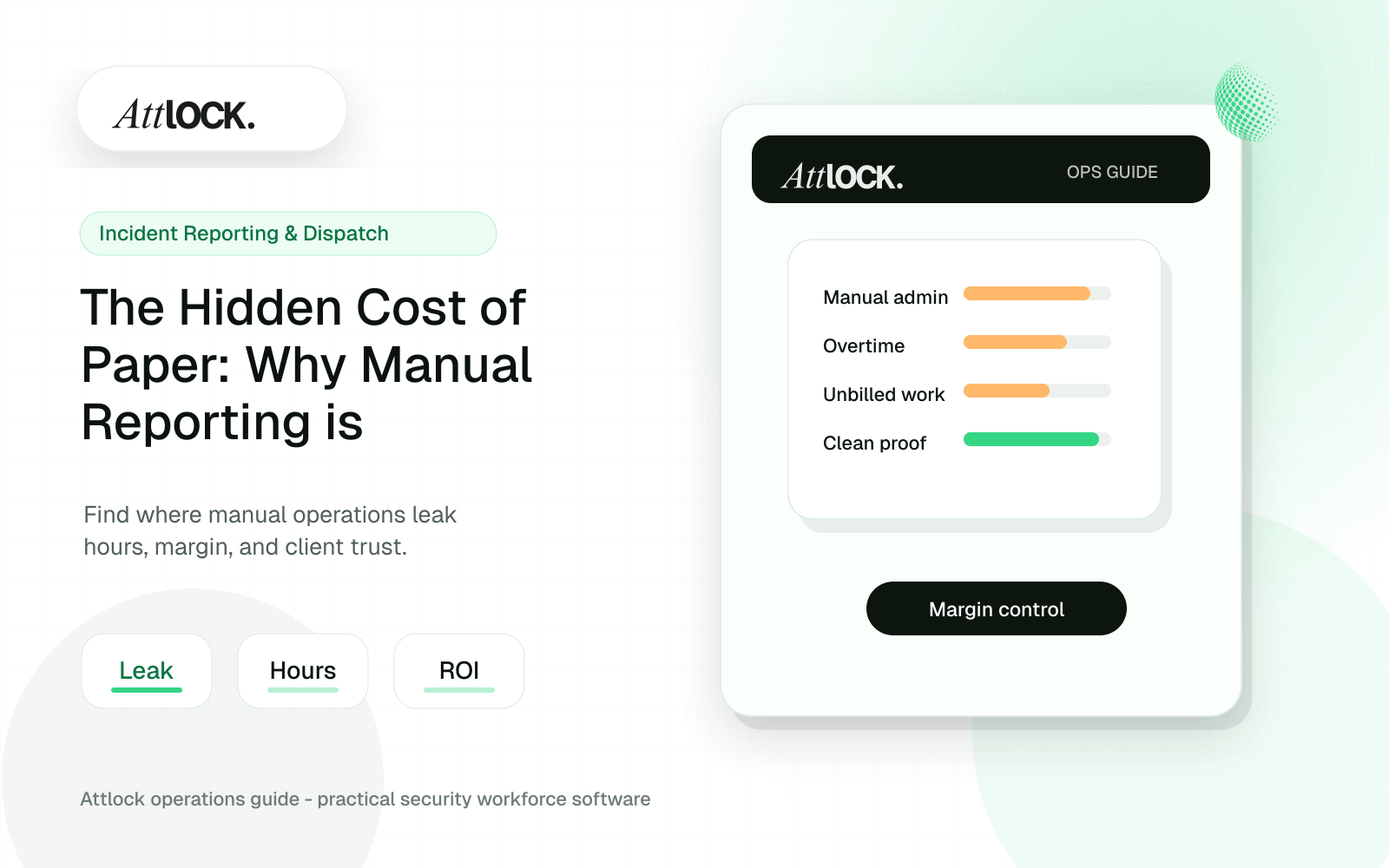
Table of Contents
- Why Paper Reporting Hurts Margins
- 1. The Transcription Tax
- 2. Slower Client Communication
- 3. Weak Evidence During Disputes
- 4. Delayed Billing and Collections
- 5. No Operational Analytics
- What Digital Reporting Should Do
- How Attlock Improves the Reporting Workflow
- A Paper-to-Digital Migration Plan
- What Clients Notice
- FAQ
- Are paper daily activity reports still acceptable?
- What should a digital security report include?
- How does digital reporting improve client retention?
- How Paper Weakens Incident Response
- Client Reporting: From Cost Center to Retention Tool
- What to Standardize Before Going Digital
- A 30-Day Digital Reporting Rollout
- Where Attlock Fits
- Paper Also Slows Training and Accountability
- Signals that paper is costing more than you think
- How to Measure the ROI of Paperless Reporting
- Operational Rollout Notes
- Configuration Table
- Related Attlock Workflows
Share Article
Paper security reports cost more than paper, ink, and storage. They create transcription work, delay client communication, weaken incident evidence, slow billing, and make it harder to prove service quality. For security companies trying to grow, manual reporting can quietly reduce margins and make the operation look less professional than the service actually is.
The clipboard still feels familiar at many guard posts. A paper daily activity report can look simple, flexible, and cheap. But the real cost appears later, when a supervisor cannot read the handwriting, a client asks for proof, an incident timeline is incomplete, or an admin spends hours turning paper into something that can be emailed.
Why Paper Reporting Hurts Margins
Security companies sell trust. Clients need to know that guards arrived, patrols were completed, incidents were documented, and exceptions were escalated. Paper makes each of those promises harder to prove. It also adds hidden labor between the field and the client, which means the company pays for work that does not create new revenue.
1. The Transcription Tax
Every handwritten log that must be typed, scanned, filed, renamed, corrected, or attached to an email creates admin cost. The work may feel small on a single site, but it multiplies quickly across accounts. If an admin spends five hours each week converting reports, that is time not spent on scheduling, client follow-up, recruiting, billing review, or account management.
2. Slower Client Communication
Clients do not want to wait until the end of the week to learn about an incident that happened Tuesday night. Paper reports often stay at the post until a supervisor collects them. By then, the client may have already heard about the issue from a tenant, employee, resident, or property manager.
3. Weak Evidence During Disputes
A handwritten report can be incomplete, illegible, damaged, or missing. If a client disputes service, asks for a patrol timeline, or needs documentation after an incident, paper can leave the company exposed. A professional security operation needs records that are timestamped, searchable, and easy to retrieve.
4. Delayed Billing and Collections
Reporting and billing are connected. If reports are late, incomplete, or hard to match to shifts, invoice approval can slow down. Clients may ask for clarification before paying, especially when the work involves extra coverage, emergency response, or special instructions.
5. No Operational Analytics
Paper can tell you what one guard wrote on one shift. It cannot easily show incident trends, repeated problem areas, missed patrol patterns, site-level risk, or supervisor workload. Without structured data, managers are forced to make decisions from anecdotes instead of patterns.
What Digital Reporting Should Do
Moving away from paper is not just about using a mobile form. A strong digital reporting workflow should make reporting faster for guards, clearer for supervisors, and more valuable for clients. The report should be created once in the field and then become available for review, search, export, and client communication.
- Capture daily activity reports and incident reports directly from the field.
- Attach photos, notes, timestamps, site details, and guard identity to the record.
- Keep reports searchable by site, date, guard, incident type, and client.
- Give supervisors a review workflow before reports are shared externally.
- Create client-ready reporting that supports renewals and service reviews.
How Attlock Improves the Reporting Workflow
Attlock gives security teams a connected place to manage field reporting, site activity, incidents, and client visibility. Instead of paper moving from guard to supervisor to admin to client, reports can be captured digitally and tied back to the site, shift, and operation.
That matters because reporting is not an isolated task. A daily activity report may support billing. An incident report may support liability defense. A patrol note may support a client renewal. A missed report may reveal a training issue. When reports live inside the same operating system as scheduling, patrols, and client communication, the business gets cleaner evidence and less admin friction.
A Paper-to-Digital Migration Plan
- Start with the highest-volume reports: daily activity reports, incident reports, and post-order acknowledgements.
- Create a standard report structure so guards know what to capture every time.
- Train supervisors to review exceptions daily instead of waiting for end-of-week paperwork.
- Define what clients should receive automatically and what requires manager review.
- Use the first 30 days of digital records to identify late reports, repeat incidents, and missing documentation patterns.
What Clients Notice
Clients may not care what software a security company uses, but they care deeply about response, visibility, and proof. A clean report with timestamps, photos, site context, and consistent formatting makes the company look organized. A searchable history makes account reviews easier. A client portal or structured report package turns field activity into visible value.
This is where digital reporting becomes a retention tool. It helps clients see the work they are paying for, not just the invoice they receive.
FAQ
Are paper daily activity reports still acceptable?
Paper daily activity reports may still be used at some sites, but they create avoidable admin work and weaker evidence. Digital reports are easier to search, share, review, and connect to shift activity.
What should a digital security report include?
A digital security report should include site, date, time, guard, activity or incident details, photos when relevant, timestamps, supervisor review status, and enough context for the client to understand what happened.
How does digital reporting improve client retention?
Digital reporting gives clients clearer proof of service. When clients can see consistent reports, incident timelines, and patrol activity, they are more likely to understand the value of the contract.
How Paper Weakens Incident Response
Incident reporting is where paper creates the most risk. A guard may write the right details, but if the report stays in a folder until morning, supervisors lose valuable response time. Photos may be stored on a personal phone. Follow-up tasks may be handled through text messages. The company may know something happened, but the record is fragmented.
A digital workflow keeps the incident, site, guard, timestamps, notes, and attachments together. That makes it easier to escalate quickly, brief the client, assign follow-up, and preserve the record for later review.
Client Reporting: From Cost Center to Retention Tool
Many companies treat reporting as an administrative obligation. Better security companies use reporting as a client-retention asset. A monthly report can show incidents resolved, patrols completed, risks observed, doors found unsecured, maintenance issues escalated, and trends that justify continued coverage.
Paper makes that difficult because the data is trapped in individual forms. Digital reporting makes it possible to turn field activity into a service story. That is the kind of visibility clients remember when renewal season arrives.
What to Standardize Before Going Digital
- Daily activity report fields for routine observations, patrol notes, and shift handoff details.
- Incident severity levels so supervisors know what needs immediate escalation.
- Photo and evidence rules so guards know when attachments are required.
- Client visibility rules so sensitive notes are reviewed before external sharing.
- Report closeout rules so every incident has a clear resolution or next step.
A 30-Day Digital Reporting Rollout
- Week 1: move daily activity reports from paper to mobile submission at one pilot site.
- Week 2: add incident reporting with photos, timestamps, and supervisor review.
- Week 3: create client-facing summaries for the pilot site and compare admin time against the paper process.
- Week 4: review missed fields, report quality, response times, and client feedback before expanding to more sites.
This staged rollout keeps the change practical. Guards learn one workflow at a time, supervisors can coach report quality, and managers get evidence that the new process saves time before rolling it out company-wide.
Where Attlock Fits
Attlock helps security companies replace disconnected reporting habits with a more complete operating workflow. Reports can connect to guards, sites, shifts, incidents, patrol activity, and client communication. That connection is what turns reporting from a pile of paperwork into an operational record the company can trust.
Paper Also Slows Training and Accountability
Paper reports make coaching harder because supervisors often see mistakes too late. If a guard leaves out key incident details, uses inconsistent terminology, or misses a required patrol note, the feedback may come days later. By then, the shift context is gone and the same mistake may have already repeated at another site.
Digital reporting gives supervisors a faster feedback loop. They can review report quality, identify missing fields, and coach guards while the event is still fresh. Over time, that improves consistency across sites and makes new guard onboarding easier because expectations are built into the workflow instead of passed along through memory and paper binders.
Signals that paper is costing more than you think
- Reports are frequently scanned, retyped, renamed, or manually attached to emails.
- Clients ask for proof that takes more than a few minutes to retrieve.
- Supervisors learn about incidents after the client already knows.
- Monthly client reviews require manual report compilation.
- Report quality varies widely by guard, site, or shift.
How to Measure the ROI of Paperless Reporting
The return on paperless reporting can be measured in admin hours saved, faster report delivery, fewer missing records, stronger client communication, and reduced dispute risk. Start with the manual work your team performs today: collecting reports, reading handwriting, scanning pages, renaming files, compiling PDFs, and answering client questions that should already be documented.
Then compare that against a digital workflow where the guard submits once, the supervisor reviews once, and the client receives a clean record. Even before adding advanced analytics, most companies find value in faster closeout, cleaner evidence, and less time spent turning field notes into client-ready proof.
- Track admin hours spent collecting and reformatting reports.
- Track how long it takes to retrieve incident proof when a client asks.
- Track how many reports are missing required fields before and after the change.
- Track client response time after high-priority incidents.
Operational Rollout Notes
Client reporting works when the record is useful to both operations and the customer. The goal is not more text. The goal is a reviewed summary with enough detail to prove service quality and enough structure to spot repeat issues.
Configuration Table
| Workstream | What to configure | Owner |
|---|---|---|
| Guard input | Activity notes, exceptions, attachments | Guard |
| Supervisor layer | Review, cleanup, classification, approval | Supervisor |
| Client packet | Summary, proof, risks, follow-up actions | Account manager |
| Retention loop | Recurring issues and renewal evidence | Leadership |
Related Attlock Workflows
In Attlock, this connects naturally to shift reports, client portal, and incident reporting so the article turns into an operating workflow instead of a static note.