Security Incident Report Software: What to Look For
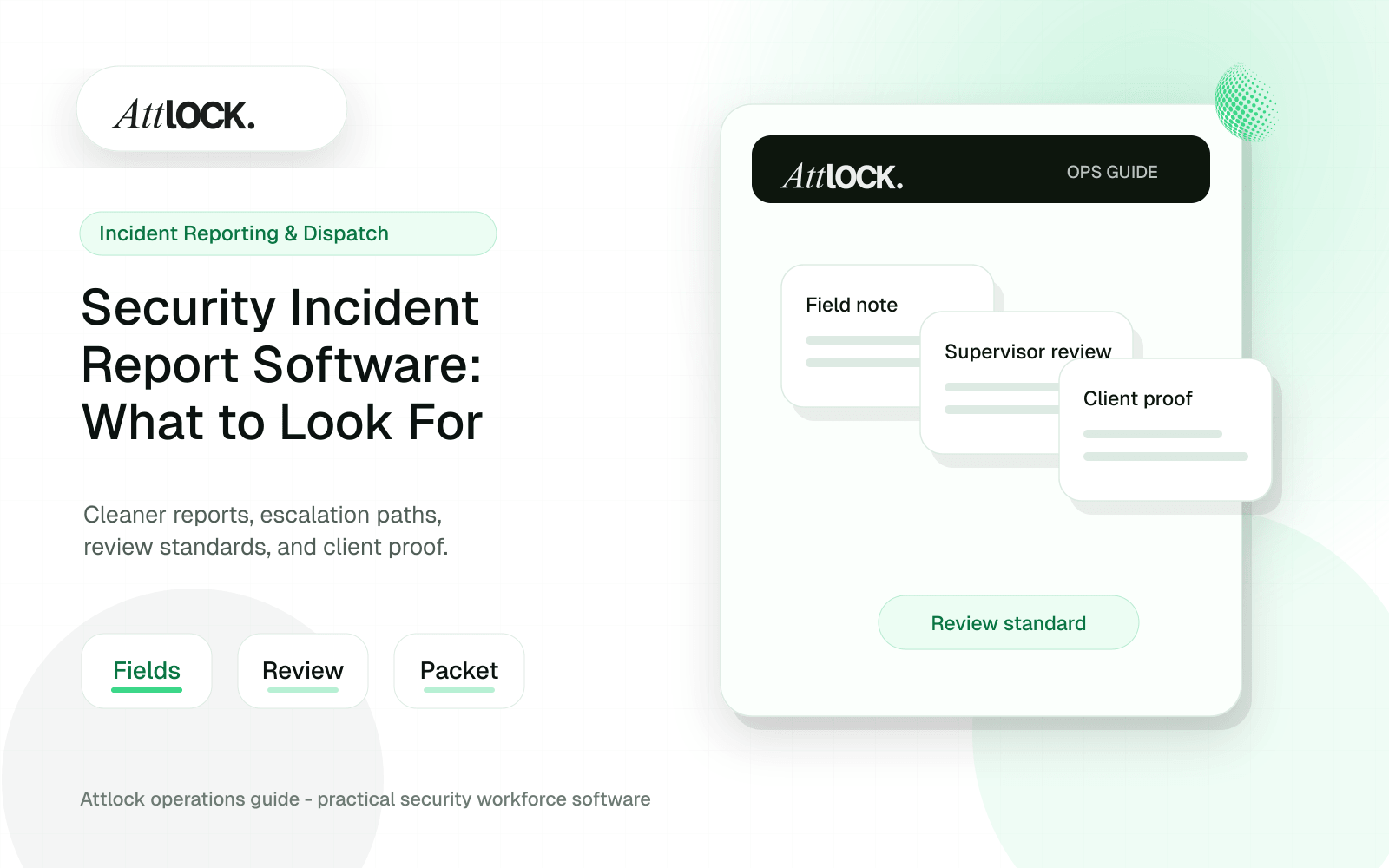
Table of Contents
- Incident Report Software Buyer Toolkit
- Incident Capture Checklist
- Report Quality Review
- Incident Workflow Table
- Dispatch Handoff
- Demo Scenario
- Output Example
- Demo Questions To Ask
- What The Software Must Capture
- Incident Reporting Should Connect To Dispatch
- Training Guards To Write Better Reports
- Operator Scenario: After-Hours Trespass
- Where Attlock Fits
- A Practical Rollout Plan
- FAQ
- What should be in a security incident report?
- Why use software instead of paper reports?
- Should incident reports be sent to clients automatically?
- What is a good incident reporting pilot?
- Operational Rollout Notes
- Configuration Table
- Related Attlock Workflows
Share Article
Incident Report Software Buyer Toolkit
Good incident software helps guards capture facts clearly, helps supervisors review quality, and helps clients receive usable reports without rewriting everything manually.
Incident Capture Checklist
| Field | Why it matters |
|---|---|
| Date and time | Anchors the incident timeline |
| Site and post | Connects the report to the right location |
| Incident type | Helps routing, review, and analytics |
| People involved | Clarifies witnesses, subjects, and responders |
| Narrative | Captures what happened in plain language |
| Photos or files | Adds evidence when appropriate |
| Actions taken | Shows guard response and escalation |
| Supervisor review | Improves quality before client delivery |
Report Quality Review
- Is the timeline clear?
- Does the report separate facts from assumptions?
- Are names, locations, and times complete?
- Are photos labeled or connected to the narrative?
- Is the action taken specific?
- Is follow-up required?
- Is the report ready for client delivery?
Incident Workflow Table
| Step | Guard action | Supervisor action |
|---|---|---|
| Create | Select site, type, and time | Monitor new report |
| Document | Add narrative, people, and photos | Request missing detail |
| Escalate | Notify dispatch or supervisor | Assign next step |
| Review | Respond to clarification | Approve or return |
| Deliver | No action needed | Share final report |
Dispatch Handoff
- Incident type and severity.
- Exact location within the site.
- Guard on scene.
- Immediate risk or safety concern.
- Police, fire, EMS, or client contact status.
- Requested backup or supervisor action.
- Current report status.
Demo Scenario
- Create an incident from a mobile device.
- Add a short narrative, two photos, and one witness.
- Mark the incident as requiring supervisor review.
- Have the supervisor return it for missing detail.
- Update the report with a clearer timeline.
- Approve the report.
- Export a client-ready PDF or shareable summary.
Output Example
| Field | Example |
|---|---|
| Incident type | Unauthorized Access |
| Site | West Distribution Center |
| Location | Employee Entrance |
| Reported time | 23:42 |
| Summary | Unknown person attempted to enter through employee entrance after hours |
| Action taken | Guard contacted dispatch and notified site supervisor |
| Evidence | Two photos attached |
| Follow-up | Review camera footage for 23:35 to 23:50 |
| Status | Supervisor approved |
Demo Questions To Ask
- Can reports be returned for edits without losing the original version?
- Are report edits tracked by user and timestamp?
- Can required fields vary by incident type?
- Can photos, video, or documents be attached?
- Can clients receive a clean report without internal notes?
- Can reports be searched by site, type, date, and guard?
What The Software Must Capture
| Field | Why it matters | Buyer standard |
|---|---|---|
| Incident type and severity | Supervisors need to triage quickly | Configurable categories and priority levels |
| Time and location | Timelines matter during disputes | Automatic timestamps and GPS or site context |
| Narrative and actions taken | Clients need to understand the response | Guided fields that reduce vague writing |
| Photos and attachments | Evidence protects the company | Mobile evidence capture with report links |
| Review status | Raw reports should not always go straight to clients | Supervisor approval and revision workflow |
Incident Reporting Should Connect To Dispatch
If an incident requires backup, escalation, client notification, or a supervisor call, the reporting tool should support the response while the event is active. A report that only appears after the shift may be too late. Ask vendors how incidents trigger alerts, assignments, status changes, and follow-up tasks.
Training Guards To Write Better Reports
Software cannot replace judgment, but it can guide guards toward better records. Good forms ask for who, what, when, where, action taken, evidence, witnesses, and follow-up. They discourage emotional language, guesses, and unclear phrases. Supervisors should be able to coach from patterns, not fix every report manually.
| Weak wording | Better wording | Why |
|---|---|---|
| Suspicious guy around back | Unknown male observed near rear loading door at 22:14 | Specific and factual |
| I think he was drunk | Subject appeared unsteady and had slurred speech | Observation instead of assumption |
| Called someone | Notified site supervisor Maria Chen by phone at 22:19 | Clear action and timestamp |
| Everything okay now | Area cleared at 22:42; no damage observed during final check | Explains close-out condition |
Operator Scenario: After-Hours Trespass
A guard finds an unauthorized person near a warehouse loading door. The report should capture the exact time, location, description, photos if safe, actions taken, who was notified, whether police or a supervisor responded, and the close-out status. The next morning, the account manager should be able to send a reviewed summary without interviewing three people.
Incident reporting also needs a close-out discipline. A report should not sit forever as an open note after the first submission. The supervisor needs a queue for incomplete reports, high-severity incidents, client-visible events, missing evidence, and follow-up tasks. That queue is what turns field documentation into an operational workflow. Without it, the company may collect more data but still miss the response, review, and communication steps that clients judge.
Buyers should test reporting quality with a messy incident, not a perfect one. Use a scenario with partial information, a photo, a witness, a supervisor notification, and a client follow-up. That reveals whether the tool supports real field conditions or only clean form completion.
Where Attlock Fits
Attlock supports incident workflows as part of the full security record. The incident can connect to the site, shift, guard, patrol context, photos, supervisor review, and client reporting. That matters because the value of an incident report is not only the form; it is the ability to respond and explain clearly.
Attlock is not ideal if your team only wants a standalone form builder. It fits best when incident records need to support operations, dispatch, client trust, and ongoing site improvement.
A Practical Rollout Plan
- Week 1: audit the current incident reporting workflow, list the sites affected, and decide which records must be client-ready.
- Week 2: configure one active site with real guards, post orders, patrol requirements, notification rules, and supervisor ownership.
- Week 3: run the workflow during live shifts and measure missed steps, manual edits, supervisor review time, and client questions.
- Week 4: expand only after the pilot proves that guards can use the mobile workflow and managers can review the records without cleanup.
FAQ
What should be in a security incident report?
A security incident report should include incident type, date, time, location, people involved, factual narrative, actions taken, notifications, evidence, guard identity, supervisor review, and close-out status. The goal is a clear record that another person can understand without calling the guard for basic details.
Why use software instead of paper reports?
Software improves speed, consistency, evidence capture, searchability, and supervisor review. Paper reports are easy to lose, hard to share, and often require manual re-entry before clients can see them. Digital reporting also helps identify recurring site risks.
Should incident reports be sent to clients automatically?
Not always. High-trust reporting usually includes supervisor review before client distribution. Some urgent alerts may notify clients quickly, but the final report should be checked for clarity, privacy, evidence, and follow-up before it becomes the official client record.
What is a good incident reporting pilot?
Choose one site with real incident volume and require every guard to use the mobile form for 30 days. Measure report completion time, missing fields, supervisor edits, client questions, and whether incidents create follow-up actions. Those metrics reveal reporting quality quickly.
Operational Rollout Notes
Incident and dispatch workflows need clear ownership. A strong process captures the first signal, assigns a response, escalates when needed, and leaves a record that can be reviewed without searching messages or screenshots.
Configuration Table
| Workstream | What to configure | Owner |
|---|---|---|
| Intake | Alert, guard note, client request, or patrol exception | Dispatcher |
| Assignment | Owner, priority, site, response due time | Supervisor |
| Evidence | Photos, statements, timestamps, location context | Responder |
| Close-out | Resolution, client summary, follow-up owner | Operations manager |
Related Attlock Workflows
In Attlock, this connects naturally to incident reporting, live dispatch, and field operations so the article turns into an operating workflow instead of a static note.