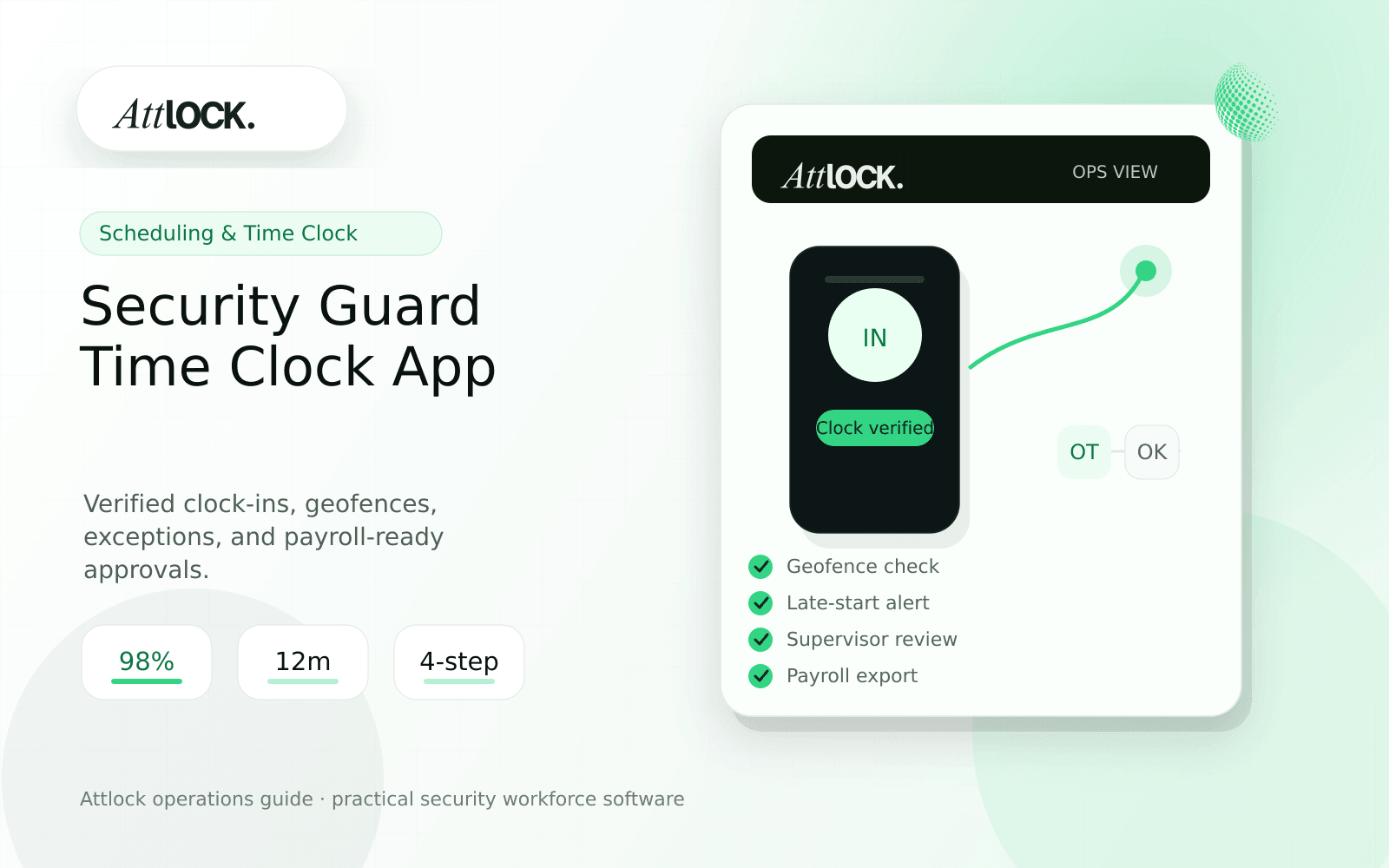
Security Guard Payroll Software: Reduce Time Sheet Errors
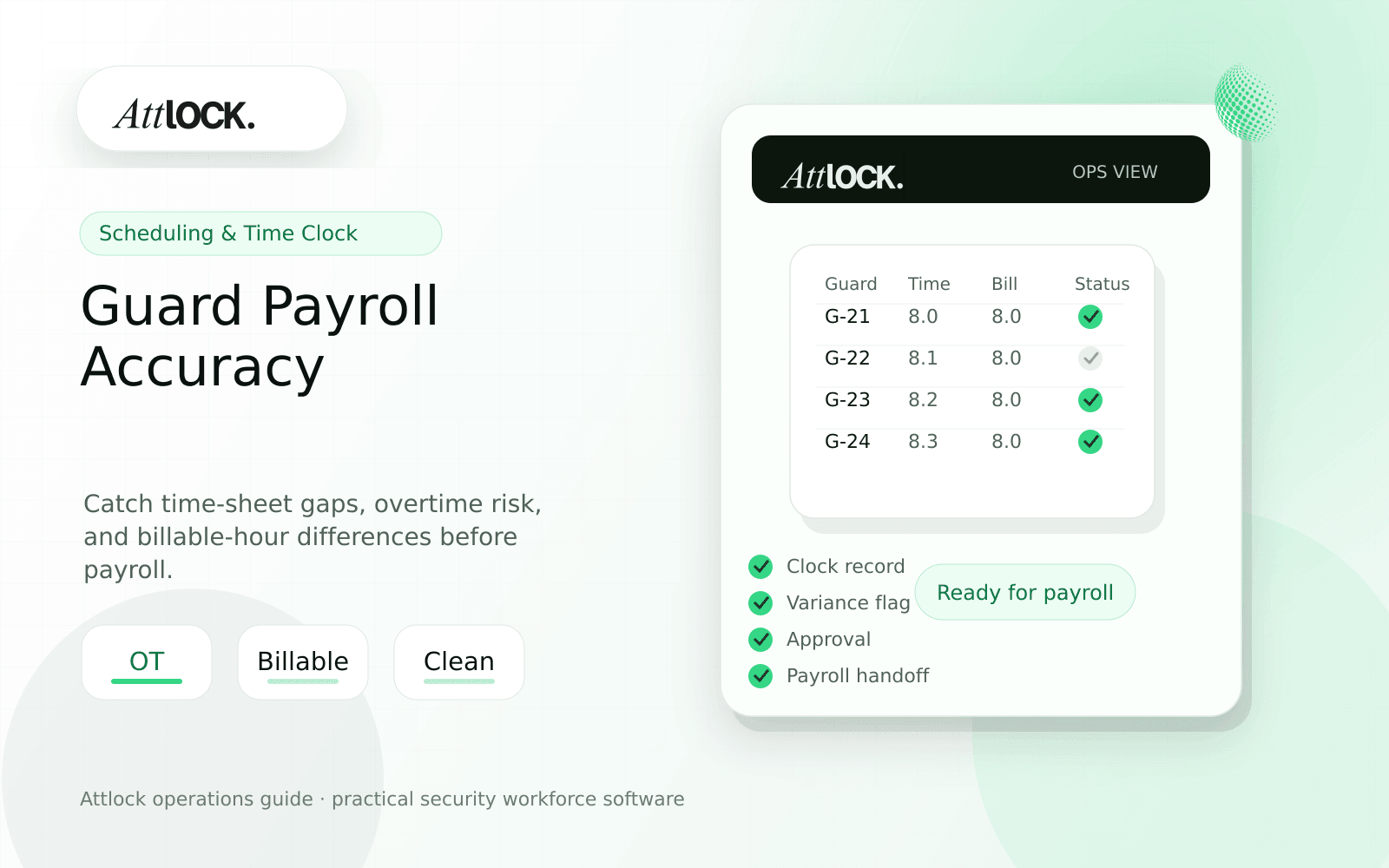
Table of Contents
- Security Guard Payroll Software Toolkit
- Payroll Review Checks
- Demo Scenario
- Output Example
- Red Flags
- Where Attlock Fits
- FAQ
- What is security guard payroll software?
- What should a security company test before buying?
- What output should managers expect?
- Where does Attlock fit?
- Operational Rollout Notes
- Configuration Table
- Supervisor Checklist
- Related Attlock Workflows
- 30-Day Payroll Accuracy Plan
- Manager review questions
- Implementation Detail to Watch
Share Article
Security Guard Payroll Software Toolkit
TL;DR
Payroll accuracy starts before payroll. It starts when schedules, clock-ins, breaks, overtime, supervisor edits, and client billing rules are captured cleanly.
Security companies lose time when payroll review becomes detective work. The goal is not just paying guards. The goal is approving hours with enough context to protect margin and answer client questions.
Payroll Review Checks
| Check | Question to answer | What good software shows |
|---|---|---|
| Schedule match | Did actual time match assigned coverage? | Scheduled vs actual hours by site |
| Overtime | Was overtime expected or accidental? | Overtime flags before approval |
| Breaks | Were break rules followed? | Missed or short break exceptions |
| Manual edits | Who changed the time record? | User, timestamp, reason, old value |
| Billable vs payable | Can this hour be billed to the client? | Separate billable and payable views |
Demo Scenario
- Schedule one guard for 40 regular hours.
- Add an emergency extra shift that creates overtime.
- Have the guard clock in late at one site.
- Edit one time entry with a reason.
- Approve payroll and export the record.
- Show which hours are billable, payable, and exception-based.
Output Example
| Field | Example |
|---|---|
| Guard | M. Alvarez |
| Regular hours | 40.0 |
| Overtime hours | 4.5, emergency coverage |
| Exception | Late clock-in Tuesday, supervisor approved |
| Manual edit | Clock-out corrected with reason |
| Billable status | 42.0 billable, 2.5 internal overtime review |
Red Flags
- Payroll export hides exception reasons.
- Time edits do not show who changed what.
- Billable and payable hours are mixed together.
- Overtime is discovered after payroll closes.
- The system cannot connect time records to site coverage.
Where Attlock Fits
Attlock connects payroll workflows with scheduling and time records so managers can review exceptions before they become payroll cleanup.
If margin leakage is the issue, compare time records against billing workflows and client coverage requirements before approving hours.
FAQ
What is security guard payroll software?
security guard payroll software is the workflow, software, and review process a security company uses to keep payroll review work visible, documented, and ready for supervisor or client review.
What should a security company test before buying?
Test one real site, one real shift, one guard mobile workflow, one supervisor exception, and one client-ready report. If the vendor cannot show that full chain, the tool may create more cleanup work after rollout.
What output should managers expect?
A useful payroll output separates scheduled hours, actual hours, billable hours, payable hours, overtime, break exceptions, manual edits, and approval status.
Where does Attlock fit?
Attlock fits teams that want schedules, time records, post orders, patrols, incidents, live visibility, and client proof connected in one operating loop. Start with a demo or test the workflow from sign-up.
Operational Rollout Notes
Treat payroll accuracy as a chain of evidence. The useful record starts with the scheduled shift, continues through clock-in verification, and ends with a reviewed exception history that explains what should be paid and what can be billed.
Configuration Table
| Workstream | What to configure | Owner |
|---|---|---|
| Scheduled hours | Expected site, role, and shift time | Scheduler |
| Actual hours | Clock-in, clock-out, break, and geofence result | Supervisor |
| Exception review | Late starts, missed breaks, overtime, manual edits | Payroll lead |
| Export packet | Approved hours with notes and audit trail | Admin |
Supervisor Checklist
- Separate billable and payable hours before export.
- Require notes for manual edits.
- Flag overtime before the shift starts when possible.
- Keep client-facing proof separate from internal payroll notes.
- Review one completed pay period during vendor demos.
- Store approvals with the original time record.
Related Attlock Workflows
In Attlock, this connects naturally to time and attendance, payroll, and scheduling so the article turns into an operating workflow instead of a static note.
30-Day Payroll Accuracy Plan
Payroll cleanup should begin before payday. The first month should create a predictable rhythm for reviewing missed punches, geofence exceptions, overtime risk, and client billing differences while the shift is still fresh.
Manager review questions
- Which corrections happen every pay period, and which sites create most of them?
- Do supervisors approve exceptions before payroll export, or after office staff chase them?
- Can the system separate payable guard time from billable client time when rules differ?
- Are manual edits tied to a note, approver, and timestamp?
- Can payroll, operations, and account management explain the same final hour total?
A good rollout narrows the review window from days to hours. Start by auditing one full pay cycle, fixing the top three exception patterns, and then locking the approval workflow before adding more sites.
Implementation Detail to Watch
Do not wait until payroll day to find exceptions. A practical setup gives supervisors a daily list of missing punches, edited shifts, overtime risks, and site mismatches. Office staff should only receive records that have already been reviewed by operations. That reduces back-and-forth, protects payroll accuracy, and gives account managers a cleaner explanation when a client questions billable hours.