Security Guard Scheduling Software: Buyer Guide for 2026
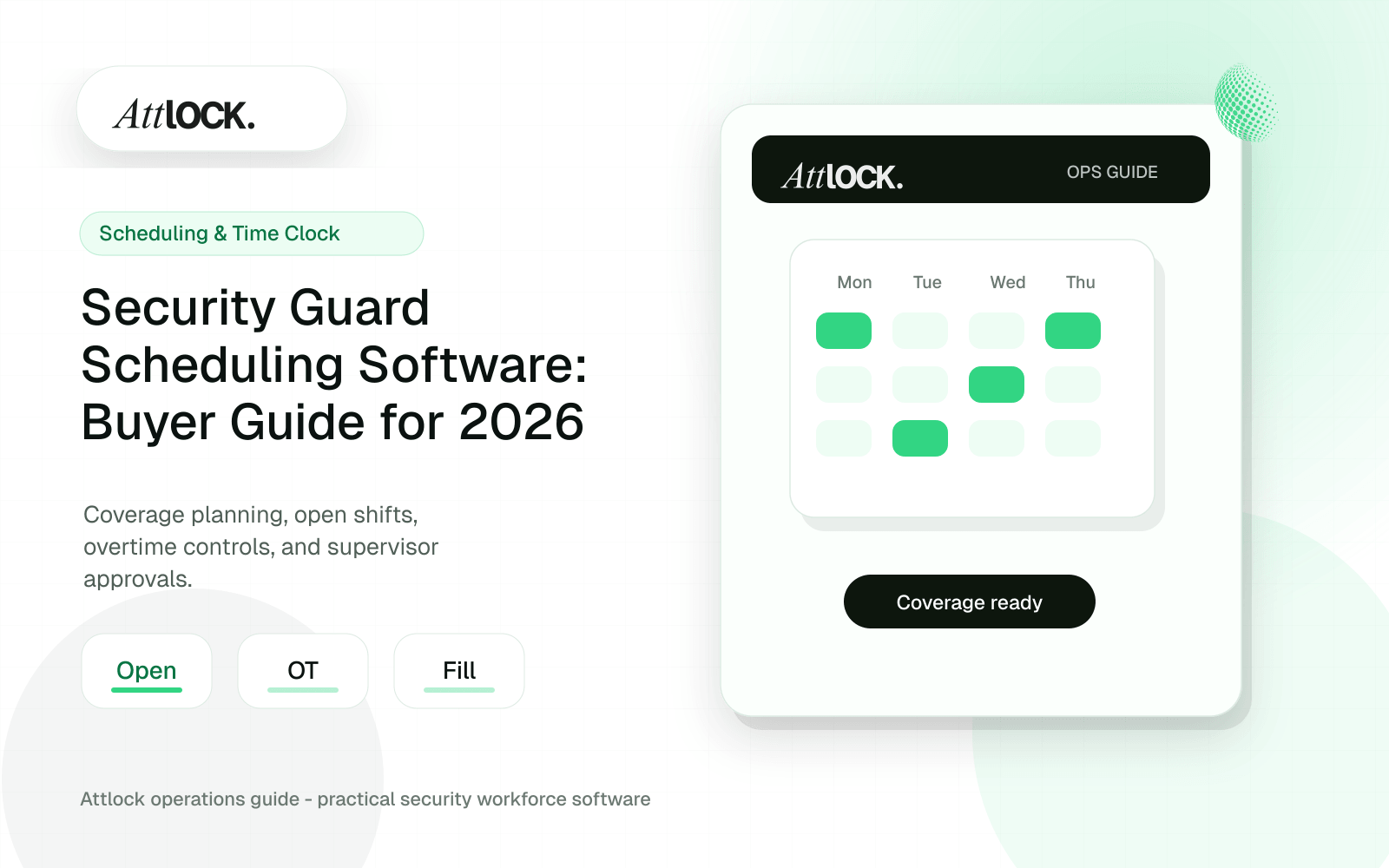
Table of Contents
- Scheduling Software Buyer Toolkit
- Buyer Checklist
- Schedule Stress Tests
- Dispatch Handoff Checklist
- Demo Scenario
- Output Example
- Red Flags
- What Security Scheduling Software Must Handle
- The Workflow To Test In A Demo
- Red Flags In Scheduling Tools
- Operator Scenario: A Monday Morning Call-Off
- Where Attlock Fits
- A Practical Rollout Plan
- FAQ
- What is security guard scheduling software?
- Why is generic scheduling software not enough?
- Can scheduling software reduce missed shifts?
- What should I measure during a scheduling pilot?
- Operational Rollout Notes
- Configuration Table
- Related Attlock Workflows
Share Article
Scheduling Software Buyer Toolkit
Use this guide to compare scheduling tools against real security operations: coverage gaps, call-offs, overtime, site rules, dispatch handoff, and payroll-ready records.
Buyer Checklist
| Area | What to verify | Demo proof to ask for |
|---|---|---|
| Site coverage | Open posts, required roles, shift times, and relief rules | Build a weekly schedule for three sites |
| Guard eligibility | Licenses, certifications, skills, and availability | Block an unqualified guard from assignment |
| Overtime control | Weekly thresholds, double-booking, and fatigue rules | Show warnings before publishing |
| Call-off workflow | Replacement search, notifications, and audit trail | Replace a guard within five minutes |
| Mobile access | Guard schedule, clock-in, and post instructions | Show the guard-facing view |
| Payroll export | Approved hours, exceptions, edits, and notes | Export a sample payroll file |
Schedule Stress Tests
- One guard calls off 45 minutes before shift start.
- A site requires an armed guard, but the first replacement is not certified.
- A supervisor tries to schedule one guard at two sites at the same time.
- A client requests added coverage for one night only.
- A guard clocks in late and leaves early.
- A post needs 24/7 coverage across three shifts for seven days.
Dispatch Handoff Checklist
- Site name, address, gate notes, and access instructions.
- Assigned guard and backup contact.
- Shift start/end and relief expectations.
- Required certifications or equipment.
- Known risks, recent incidents, or client instructions.
- Escalation contact for no-show, late arrival, or post abandonment.
Demo Scenario
- Create a new client site with two posts.
- Add one weekday overnight schedule and one weekend schedule.
- Assign guards with different availability and certifications.
- Attempt to assign an ineligible guard.
- Publish the schedule and notify guards.
- Trigger a call-off and fill the open shift.
- Export approved hours with the replacement history visible.
Output Example
| Field | Example |
|---|---|
| Open shift | North Gate Overnight |
| Site | Harbor Yard |
| Time | Monday 2200 to Tuesday 0600 |
| Requirement | Active guard license, vehicle patrol approved |
| Issue | Assigned guard called off at 20:48 |
| Replacement | Dana M., approved by shift supervisor |
| Dispatch note | Confirm gate code before arrival |
Red Flags
- Scheduling rules live only in manager memory.
- Overtime warnings appear after payroll, not before publishing.
- Call-offs are handled outside the system with no audit trail.
- Dispatch cannot see current assignments.
- Guards receive schedule updates through disconnected channels.
What Security Scheduling Software Must Handle
| Capability | Why it matters | Buyer standard |
|---|---|---|
| Open shifts | Call-offs and new requests need fast coverage | Notify qualified guards and track acceptance |
| Site requirements | Not every guard can work every post | Match skills, licenses, availability, and client rules |
| Time clock | The schedule is only useful when compared to attendance | Late, early, missed, and geofence exceptions appear automatically |
| Overtime visibility | Overtime can turn profitable shifts into losses | Show risk before assignment, not after payroll |
| Payroll handoff | Manual corrections create disputes | Approved hours export cleanly with audit context |
The Workflow To Test In A Demo
Ask every vendor to run the same scenario: a guard calls off four hours before a retail shift, the replacement must meet site requirements, the supervisor needs confirmation, the guard clocks in near the site, and payroll needs the approved record. That scenario exposes whether the scheduling system is operational or just a calendar.
- Create the open shift and filter eligible guards.
- Notify guards and show who accepted or declined.
- Clock in with site and geofence context.
- Flag late arrival, missed clock-in, or overtime risk.
- Approve the shift record for payroll and client reporting.
Red Flags In Scheduling Tools
| Red flag | Operational risk | Better requirement |
|---|---|---|
| No site qualification rules | Unqualified guards can be assigned by mistake | Guard eligibility and site requirements |
| No exception dashboard | Supervisors learn about problems too late | Live missed shift and late clock-in visibility |
| No payroll-ready approvals | Admins clean up hours manually | Supervisor approval before export |
| Mobile workflow is slow | Guards avoid the app and call instead | Fast clock-in, schedule view, and post instructions |
Operator Scenario: A Monday Morning Call-Off
A 40-guard company receives a 5:30 a.m. call-off for a warehouse post. The scheduler needs a qualified replacement, the supervisor needs to know the post is covered, and the client expects no disruption. Strong software turns that into a controlled workflow. Weak software turns it into calls, screenshots, and a payroll correction later.
The buying team should also separate schedule creation from schedule control. Creating a rota is the easy part. Control means knowing which guards are qualified, which sites are uncovered, which clock-ins are late, which assignments create overtime, and which records are ready for payroll. If a system cannot surface those exceptions quickly, the operations team will keep working from group chats and spreadsheets even after the software is purchased.
Pricing should also be evaluated against leakage, not only subscription cost. If the software prevents one missed shift, catches recurring overtime, or removes hours of payroll correction each week, it can pay for itself faster than a cheaper calendar tool that leaves managers doing the same manual reconciliation.
Where Attlock Fits
Attlock scheduling is designed for security operations where the shift is connected to site context, mobile attendance, post orders, supervisor review, and reporting. That matters because security scheduling is not complete when a name appears on a calendar; it is complete when the assigned work is covered and the record can be trusted.
Attlock is not ideal if you only want a simple shared calendar. It fits better when scheduling affects client service, payroll accuracy, overtime, and field accountability.
A Practical Rollout Plan
- Week 1: audit the current security guard scheduling workflow, list the sites affected, and decide which records must be client-ready.
- Week 2: configure one active site with real guards, post orders, patrol requirements, notification rules, and supervisor ownership.
- Week 3: run the workflow during live shifts and measure missed steps, manual edits, supervisor review time, and client questions.
- Week 4: expand only after the pilot proves that guards can use the mobile workflow and managers can review the records without cleanup.
FAQ
What is security guard scheduling software?
Security guard scheduling software helps companies assign guards to shifts, manage open posts, control overtime, track attendance, and prepare payroll-ready records. A strong system also understands site requirements, guard qualifications, supervisor exceptions, and client coverage expectations.
Why is generic scheduling software not enough?
Generic scheduling software may handle calendars but usually misses security-specific needs like post orders, site qualifications, patrol requirements, geofenced clock-ins, incident context, and client proof. Security teams need a schedule that connects to what happened in the field.
Can scheduling software reduce missed shifts?
Yes, if it includes open shift workflows, notifications, eligibility filters, attendance exceptions, and supervisor visibility. Software cannot remove every call-off, but it can shorten response time and make missed coverage visible before it becomes a client complaint.
What should I measure during a scheduling pilot?
Measure open shift fill time, missed clock-ins, late arrivals, overtime exceptions, manual payroll edits, and supervisor follow-up time. Those metrics show whether the system is reducing operational work rather than just moving the calendar into software.
Operational Rollout Notes
Use the article as a working checklist. The strongest security operations software decisions start with the field workflow, then connect supervisor review, client proof, and leadership visibility.
Configuration Table
| Workstream | What to configure | Owner |
|---|---|---|
| Field workflow | Guard task, patrol, report, or shift event | Guard |
| Supervisor review | Exception, approval, escalation, assignment | Supervisor |
| Client proof | Report, portal view, attachment, status | Account manager |
| Leadership view | Trend, cost, risk, retention signal | Leadership |
Related Attlock Workflows
In Attlock, this connects naturally to field operations, command center, and client portal so the article turns into an operating workflow instead of a static note.