Security Guard Report Automation: From Notes to Client Proof
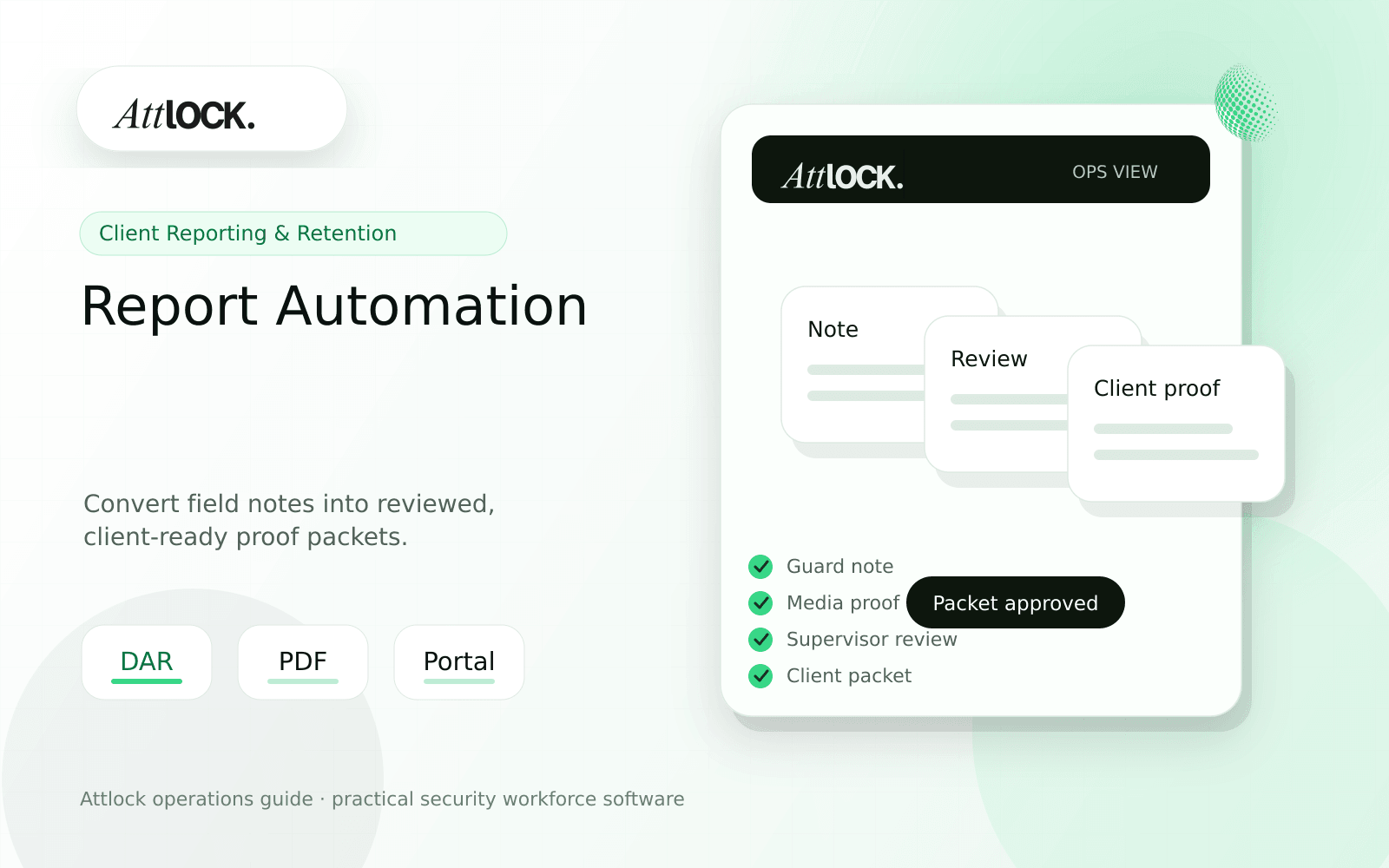
Table of Contents
- Security Report Automation Toolkit
- Automation Inputs
- Demo Scenario
- Client Packet Structure
- Red Flags
- Where Attlock Fits
- FAQ
- What is security guard report automation?
- What should a security company test before buying?
- What output should managers expect?
- Where does Attlock fit?
- Operational Rollout Notes
- Configuration Table
- Supervisor Checklist
- Related Attlock Workflows
- 30-Day Reporting Improvement Plan
- Manager review questions
- Implementation Detail to Watch
Share Article
Security Report Automation Toolkit
TL;DR
Automation should not turn bad notes into faster bad reports. It should collect the right records, surface exceptions, and help supervisors send cleaner client proof.
Security reporting breaks when guards write in one place, supervisors review somewhere else, and account managers rebuild the story before sending it to clients.
Automation Inputs
| Input | Why it matters | Quality check |
|---|---|---|
| Shift attendance | Proves coverage | Scheduled vs actual time visible |
| DAR entries | Shows routine activity | Specific time and location |
| Patrol records | Proves route work | Completed, missed, late, exception |
| Incident reports | Explains unusual events | Supervisor-reviewed before sharing |
| Photos and files | Adds evidence | Attached to the right record |
| Open follow-ups | Drives account action | Owner and due date assigned |
Demo Scenario
- Create one quiet shift with routine patrols.
- Add one missed checkpoint with an explanation.
- Add one incident with a photo.
- Have the supervisor return the incident for clarification.
- Approve the final records.
- Generate a weekly client packet.
Client Packet Structure
| Section | What it should include |
|---|---|
| Coverage summary | Scheduled shifts, completed shifts, late starts |
| Patrol summary | Completed checkpoints and reviewed exceptions |
| Incident summary | Type, status, action taken, attachments |
| Follow-up list | Open items, owner, due date |
| Supervisor note | Short explanation of exceptions and next steps |
Red Flags
- Reports are automated before supervisor review.
- Client packets include internal notes by default.
- Photos are detached from the activity they support.
- Exceptions are hidden behind all-clear summaries.
- Recurring reports cannot be filtered by site, client, or date.
Where Attlock Fits
Attlock connects shift reports, incidents, patrol proof, and client visibility so reports are built from reviewed operational records.
Use client portal workflows when clients need ongoing access instead of one-off PDF emails.
FAQ
What is security guard report automation?
security guard report automation is the workflow, software, and review process a security company uses to keep client reporting work visible, documented, and ready for supervisor or client review.
What should a security company test before buying?
Test one real site, one real shift, one guard mobile workflow, one supervisor exception, and one client-ready report. If the vendor cannot show that full chain, the tool may create more cleanup work after rollout.
What output should managers expect?
A useful automated report output shows coverage, patrol completion, incidents, exceptions, supervisor review, attachments, and client-facing follow-up.
Where does Attlock fit?
Attlock fits teams that want schedules, time records, post orders, patrols, incidents, live visibility, and client proof connected in one operating loop. Start with a demo or test the workflow from sign-up.
Operational Rollout Notes
Client reporting works when the record is useful to both operations and the customer. The goal is not more text. The goal is a reviewed summary with enough detail to prove service quality and enough structure to spot repeat issues.
Configuration Table
| Workstream | What to configure | Owner |
|---|---|---|
| Guard input | Activity notes, exceptions, attachments | Guard |
| Supervisor layer | Review, cleanup, classification, approval | Supervisor |
| Client packet | Summary, proof, risks, follow-up actions | Account manager |
| Retention loop | Recurring issues and renewal evidence | Leadership |
Supervisor Checklist
- Define what clients should see and what stays internal.
- Use consistent categories for repeat issues.
- Require supervisor review before publishing sensitive reports.
- Add photos only when they clarify the event.
- Track open follow-ups after the report is sent.
- Use monthly summaries to support renewal conversations.
Related Attlock Workflows
In Attlock, this connects naturally to shift reports, client portal, and incident reporting so the article turns into an operating workflow instead of a static note.
30-Day Reporting Improvement Plan
Report automation should turn field notes into reliable client proof without removing supervisor judgment. The first month should improve report quality, reduce late summaries, and make follow-up ownership visible.
Manager review questions
- Which report types are client-facing, internal-only, or supervisor-review required?
- Do guards have simple prompts for the information clients actually ask about?
- Are photos, timestamps, site names, and incident categories attached to the right event?
- Can supervisors correct unclear notes before the client sees the report?
- Does each report show whether a follow-up task, repair, escalation, or client call is still open?
Begin with one client account where reporting quality affects retention. Review every report for two weeks, standardize the best examples, and then build those prompts into the guard workflow.
Implementation Detail to Watch
Automated reporting still needs a review standard. Decide which reports can publish automatically, which require supervisor approval, and which should stay internal because they contain sensitive notes. The best client proof is concise: timestamped activity, relevant photos, clear exception language, and follow-up ownership. Avoid sending every raw field note if it makes the client work harder to understand what happened.