Lone Worker Safety App for Security Guards: Checklist
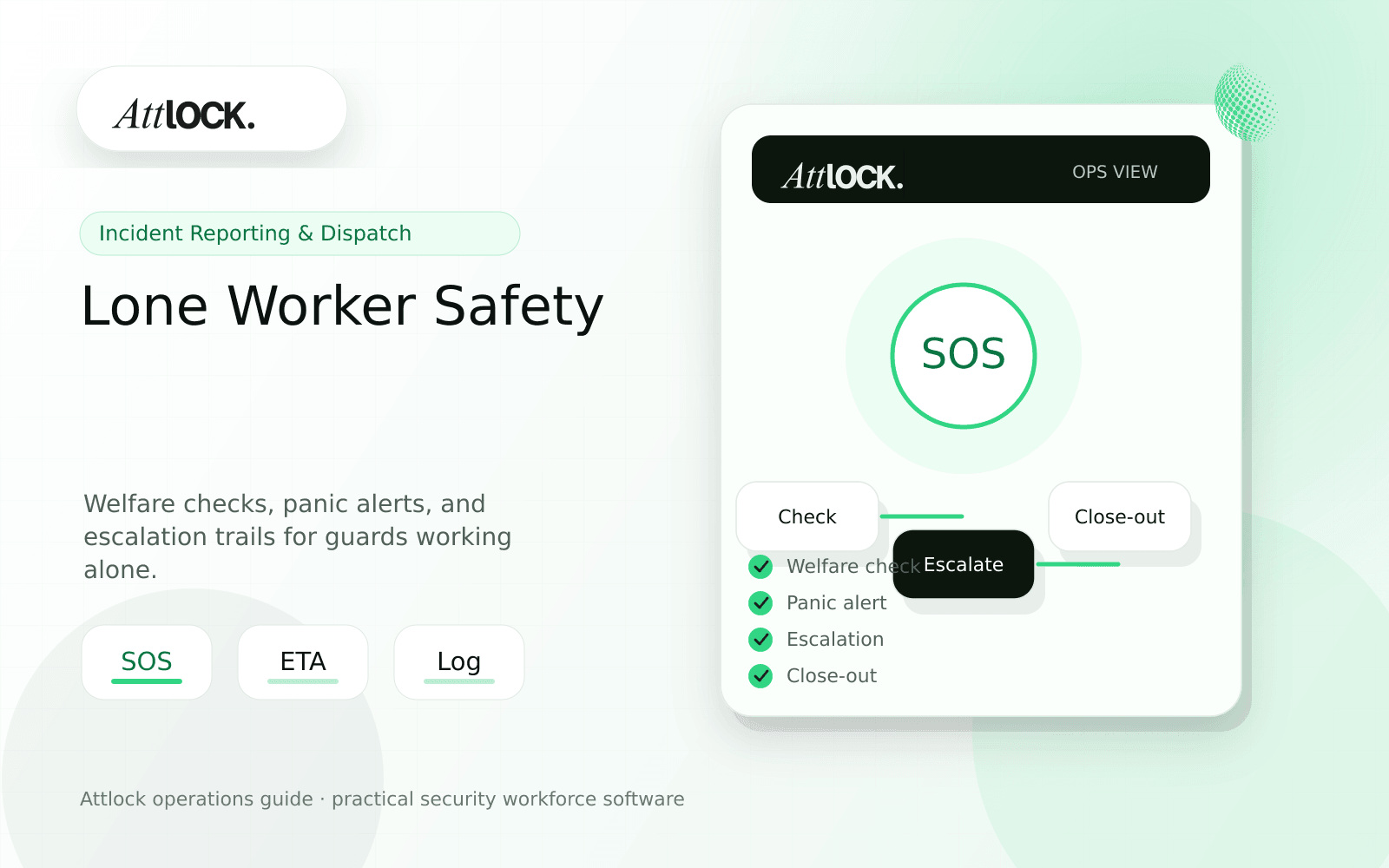
Table of Contents
- Lone Worker Safety App Toolkit
- Safety Workflow Checklist
- Demo Scenario
- Output Example
- Red Flags
- Where Attlock Fits
- FAQ
- What is a lone worker safety app for security guards?
- What should a security company test before buying?
- What output should managers expect?
- Where does Attlock fit?
- Operational Rollout Notes
- Configuration Table
- Supervisor Checklist
- Related Attlock Workflows
- 30-Day Lone Worker Safety Rollout Plan
- Manager review questions
- Implementation Detail to Watch
Share Article
Lone Worker Safety App Toolkit
TL;DR
A lone worker app must be boring on normal nights and unmistakable during emergencies. Guards should know exactly what happens when they miss a welfare check or press the panic button.
Many security guards work alone at night, in parking lots, construction sites, residential communities, and industrial properties. Safety software should create a clear loop: check-in, missed check alert, escalation, response, and close-out.
Safety Workflow Checklist
| Workflow | What to verify | Pass condition |
|---|---|---|
| Welfare checks | Scheduled prompts during shift | Missed check escalates automatically |
| Panic alert | One-tap emergency action | Supervisor sees guard, site, location, time |
| Escalation path | Supervisor, dispatcher, client, emergency contact | Rules vary by site and severity |
| Location context | Last known location during active shift | Shown with site and assignment |
| Close-out | Incident or safety record created | Response is documented |
Demo Scenario
- Assign a guard to a remote overnight shift.
- Schedule welfare checks every 60 minutes.
- Miss one welfare check.
- Trigger the escalation path.
- Press the panic button from the mobile app.
- Document response and close out the event.
Output Example
| Field | Example |
|---|---|
| Guard | L. Chen |
| Site | South Yard |
| Welfare check | Missed at 01:00 |
| Escalation | Supervisor notified at 01:03 |
| Panic alert | Activated at 01:18 |
| Response | Dispatch contacted guard, supervisor arrived |
| Close-out | Safety event reviewed and archived |
Red Flags
- Panic alerts send a notification but do not create a record.
- Welfare checks are the same for every site risk level.
- Location is missing when supervisors need response context.
- Missed check escalations depend on one person noticing.
- Close-out notes are stored outside incident records.
Where Attlock Fits
Attlock connects lone worker safety with mobile guard workflows, live tracking, dispatch, and incident records. That keeps safety events operationally visible and reviewable.
For high-risk posts, combine welfare checks with the panic button and site-specific post orders.
FAQ
What is a lone worker safety app for security guards?
a lone worker safety app for security guards is the workflow, software, and review process a security company uses to keep guard safety work visible, documented, and ready for supervisor or client review.
What should a security company test before buying?
Test one real site, one real shift, one guard mobile workflow, one supervisor exception, and one client-ready report. If the vendor cannot show that full chain, the tool may create more cleanup work after rollout.
What output should managers expect?
A useful safety output shows welfare check schedule, missed checks, panic alert time, guard location, escalation path, responder action, and close-out status.
Where does Attlock fit?
Attlock fits teams that want schedules, time records, post orders, patrols, incidents, live visibility, and client proof connected in one operating loop. Start with a demo or test the workflow from sign-up.
Operational Rollout Notes
Incident and dispatch workflows need clear ownership. A strong process captures the first signal, assigns a response, escalates when needed, and leaves a record that can be reviewed without searching messages or screenshots.
Configuration Table
| Workstream | What to configure | Owner |
|---|---|---|
| Intake | Alert, guard note, client request, or patrol exception | Dispatcher |
| Assignment | Owner, priority, site, response due time | Supervisor |
| Evidence | Photos, statements, timestamps, location context | Responder |
| Close-out | Resolution, client summary, follow-up owner | Operations manager |
Supervisor Checklist
- Define which incident types require immediate dispatch.
- Give supervisors a queue for unreviewed reports.
- Require owner and status on every open incident.
- Keep media attachments tied to the original event.
- Write client summaries in plain operational language.
- Review escalation misses after every serious event.
Related Attlock Workflows
In Attlock, this connects naturally to incident reporting, live dispatch, and field operations so the article turns into an operating workflow instead of a static note.
30-Day Lone Worker Safety Rollout Plan
A lone worker safety app must prove that missed check-ins and distress signals trigger a real response. The first month should validate escalation rules, supervisor ownership, and guard training before expanding across all solitary posts.
Manager review questions
- Which sites, shifts, and patrol routes create the highest lone-worker risk?
- How long can a check-in be missed before a supervisor must act?
- Who receives alerts after hours, and what happens if the first responder is unavailable?
- Do guards know how to start a duress alert without searching through menus?
- Are false alarms reviewed so thresholds improve without weakening the safety process?
Start with night shifts, remote sites, or mobile patrols where escalation matters most. Run test alerts weekly until supervisors can respond consistently and the audit trail shows each step clearly.
Implementation Detail to Watch
A lone-worker rollout should include live drills. Test missed check-ins, duress alerts, dead-zone routes, and after-hours escalation while supervisors are on duty. Each drill should leave an audit trail that shows when the alert fired, who accepted it, what action was taken, and when the guard was confirmed safe. Without drills, the process may look complete but fail during a real emergency.