Live Guard Tracking App: GPS Visibility Without Micromanaging
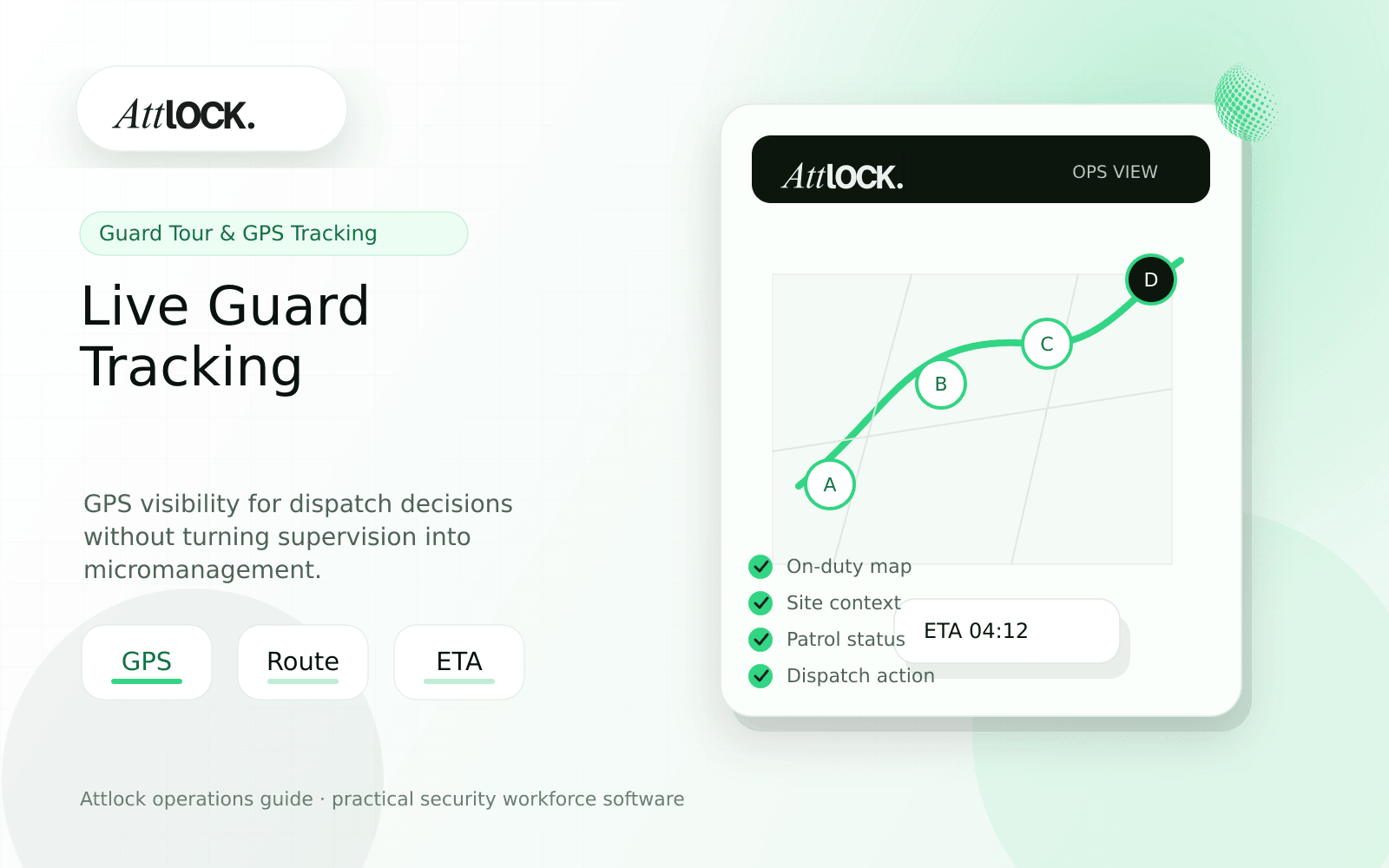
Table of Contents
- Live Guard Tracking Buyer Toolkit
- GPS Visibility Rules
- Demo Scenario
- Client-Ready Location Context
- Red Flags
- Where Attlock Fits
- FAQ
- What is a live guard tracking app?
- What should a security company test before buying?
- What output should managers expect?
- Where does Attlock fit?
- Operational Rollout Notes
- Configuration Table
- Supervisor Checklist
- Related Attlock Workflows
- 30-Day GPS Visibility Rollout Plan
- Manager review questions
Share Article
Live Guard Tracking Buyer Toolkit
TL;DR
Live tracking should help supervisors respond faster and verify coverage. It should not become a noisy map that no one trusts or a privacy problem guards resent.
The best live tracking setup defines when location is collected, why it is collected, who can see it, and how it supports dispatch, safety, and client proof.
GPS Visibility Rules
| Rule | Practical standard | Reason |
|---|---|---|
| Track during work | Only during active shifts or patrol tasks | Protects privacy and trust |
| Use site context | Show location against assigned site or route | Prevents raw map confusion |
| Flag exceptions | Late arrival, offsite clock-in, no movement, missed patrol | Helps supervisors act |
| Support dispatch | Show available guard and last known location | Improves response decisions |
| Keep audit history | Store relevant samples, not endless noise | Supports review without clutter |
Demo Scenario
- Start a shift at a large commercial property.
- Show the guard entering the assigned geofence.
- Start an exterior patrol route.
- Trigger a dispatch request near a second building.
- Assign the nearest available guard.
- Review the route and response timeline after close-out.
Client-Ready Location Context
| Client question | Useful answer |
|---|---|
| Was the guard on site? | Clock-in and patrol events matched the site geofence |
| How fast was the response? | Dispatch request created at 21:14, guard arrived at 21:21 |
| Was the patrol completed? | Checkpoint route completed with one reviewed exception |
| Can we see the map? | Map context included in supervisor review, client summary stays focused |
Red Flags
- The tool tracks all day with no shift boundary.
- Supervisors see dots but not assignments or exceptions.
- GPS is treated as patrol proof even when the site needs checkpoints.
- Clients receive raw map data without a plain-language summary.
- There is no policy for who can view location history.
Where Attlock Fits
Attlock pairs live tracking with dispatch, scheduling, and patrol context. That keeps GPS tied to operations instead of turning it into disconnected map noise.
For higher-risk sites, combine tracking with guard tour proof so supervisors can see both movement and required checkpoint completion.
FAQ
What is a live guard tracking app?
a live guard tracking app is the workflow, software, and review process a security company uses to keep GPS visibility work visible, documented, and ready for supervisor or client review.
What should a security company test before buying?
Test one real site, one real shift, one guard mobile workflow, one supervisor exception, and one client-ready report. If the vendor cannot show that full chain, the tool may create more cleanup work after rollout.
What output should managers expect?
A useful live tracking output shows active guard, assigned shift, last known location, site match, dispatch status, patrol context, and exception history.
Where does Attlock fit?
Attlock fits teams that want schedules, time records, post orders, patrols, incidents, live visibility, and client proof connected in one operating loop. Start with a demo or test the workflow from sign-up.
Operational Rollout Notes
A patrol workflow should show more than a completed route. Supervisors need to know what was scheduled, what was actually checked, what was missed, and what evidence is strong enough to share with the client.
Configuration Table
| Workstream | What to configure | Owner |
|---|---|---|
| Route design | Checkpoint order, required notes, photos | Operations manager |
| Field proof | GPS context, NFC or QR scan, timestamp | Guard or supervisor |
| Exceptions | Missed, late, skipped, or repeated checkpoints | Field supervisor |
| Client output | Route summary with exceptions and attachments | Account manager |
Supervisor Checklist
- Build routes around real risk areas, not just convenient scan points.
- Test the route after dark and during poor signal conditions.
- Require exception reasons for missed checkpoints.
- Separate supervisor review from client publishing.
- Compare GPS context with scan proof before promising accuracy.
- Review recurring missed points during weekly operations meetings.
Related Attlock Workflows
In Attlock, this connects naturally to guard tour system, live tracking, and client portal so the article turns into an operating workflow instead of a static note.
30-Day GPS Visibility Rollout Plan
Live tracking should create operational awareness without turning supervision into constant surveillance. The first month should define when location matters, which exceptions need action, and what level of proof clients should receive.
Manager review questions
- Which roles require live visibility because they work alone, cover large sites, or respond to alarms?
- Are supervisors reacting to meaningful exceptions instead of watching every movement?
- Do guards understand when tracking starts, when it ends, and why the data is collected?
- Can missed patrols, long stops, and no-movement alerts be reviewed with shift context?
- Does the client report show proof of service without exposing unnecessary personal data?
A practical rollout starts with exception rules, not a map wall. Use one site to tune alert thresholds, train supervisors on response expectations, and then expand only after the alerts are accurate enough to trust.