Guard Performance KPIs: Metrics Security Companies Should Track
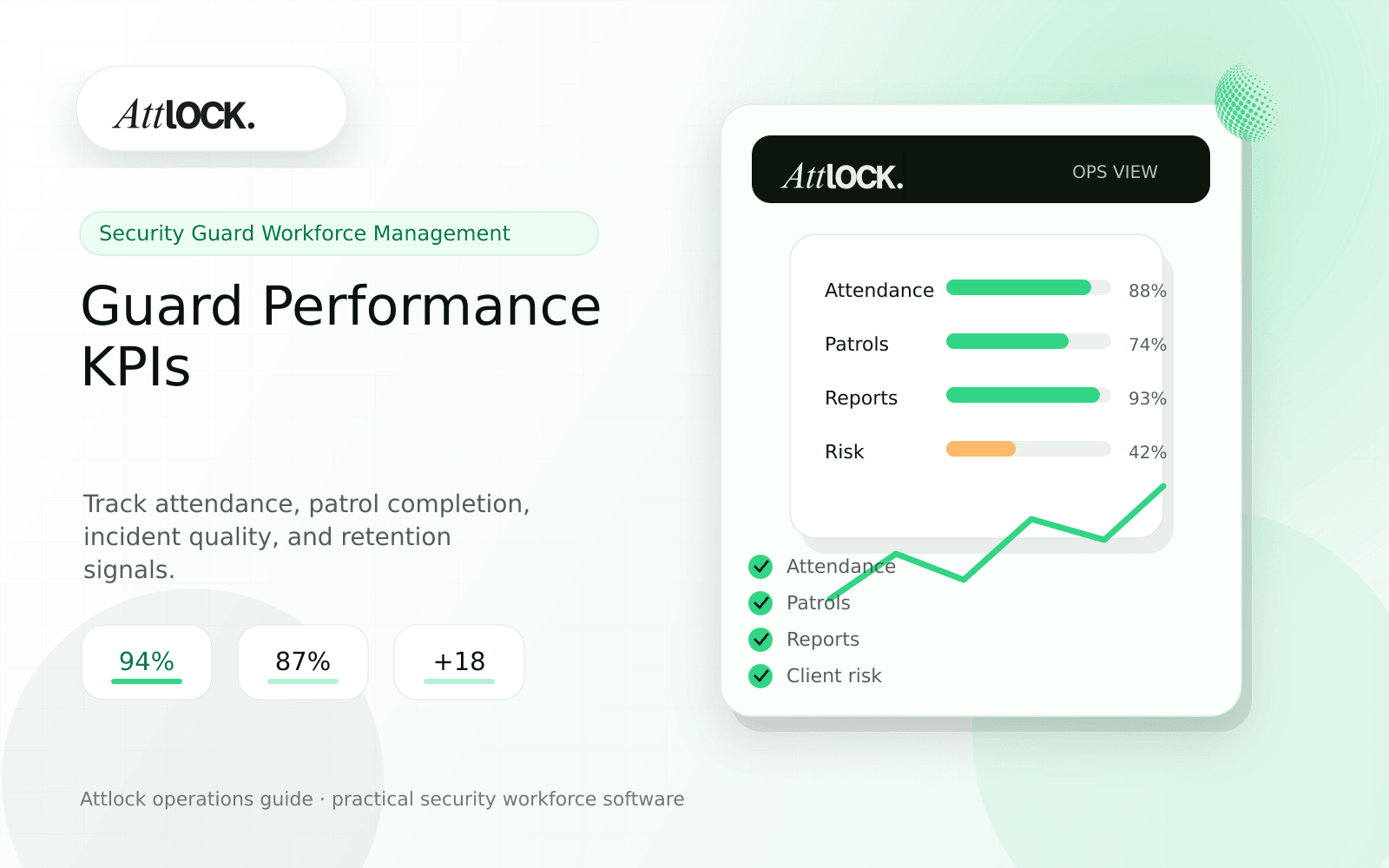
Table of Contents
- Guard Performance KPI Toolkit
- Core KPI Table
- Scorecard By Role
- Demo Scenario
- Bad KPI Habits
- Where Attlock Fits
- FAQ
- What is guard performance KPIs?
- What should a security company test before buying?
- What output should managers expect?
- Where does Attlock fit?
- Operational Rollout Notes
- Configuration Table
- Supervisor Checklist
- Related Attlock Workflows
- 30-Day KPI Operating Cadence
- Manager review questions
- Implementation Detail to Watch
Share Article
Guard Performance KPI Toolkit
TL;DR
The best KPI dashboard does not shame guards. It shows managers where training, staffing, site design, or supervision needs attention.
Security companies often track activity counts but miss the signals that explain performance. Useful KPIs connect attendance, patrol quality, incident documentation, supervisor review, and client outcomes.
Core KPI Table
| KPI | What it measures | How to use it |
|---|---|---|
| On-time start rate | Scheduled shifts started on time | Find staffing and commute risk |
| Patrol completion rate | Required checkpoints completed | Review route design and guard follow-through |
| Exception review time | Time from exception to supervisor action | Reduce client surprise |
| Incident report quality | Completeness of required fields and narrative | Improve training |
| Client follow-up closure | Open issues resolved by owner and due date | Protect retention |
Scorecard By Role
| Role | Primary KPIs | Avoid measuring only |
|---|---|---|
| Guard | On-time start, patrol completion, report quality | Raw GPS movement |
| Supervisor | Review time, correction rate, exception closure | Number of reports opened |
| Dispatcher | Response time, escalation accuracy, close-out rate | Call volume |
| Account manager | Client follow-up closure, recurring issue trends | Report delivery count |
Demo Scenario
- Load one month of data for three sites.
- Filter by late starts, missed patrols, and incident corrections.
- Compare one high-performing and one struggling site.
- Open the underlying records behind each KPI.
- Assign a follow-up action to supervisor or account manager.
Bad KPI Habits
- Measuring guards without site context.
- Treating every missed checkpoint as guard failure.
- Counting incidents without judging report quality.
- Looking at monthly numbers only after the client complains.
- Using dashboards that cannot open the source record.
Where Attlock Fits
Attlock connects operations data into AI analytics and dashboards that can trace a number back to the shift, patrol, incident, or client record behind it.
KPIs are more useful when tied to command center workflows, because managers need to act on the signal, not admire a chart.
FAQ
What is guard performance KPIs?
guard performance KPIs is the workflow, software, and review process a security company uses to keep performance management work visible, documented, and ready for supervisor or client review.
What should a security company test before buying?
Test one real site, one real shift, one guard mobile workflow, one supervisor exception, and one client-ready report. If the vendor cannot show that full chain, the tool may create more cleanup work after rollout.
What output should managers expect?
A useful KPI output shows the metric, affected site, source records, trend, owner, and recommended next action.
Where does Attlock fit?
Attlock fits teams that want schedules, time records, post orders, patrols, incidents, live visibility, and client proof connected in one operating loop. Start with a demo or test the workflow from sign-up.
Operational Rollout Notes
Use the article as a working checklist. The strongest security operations software decisions start with the field workflow, then connect supervisor review, client proof, and leadership visibility.
Configuration Table
| Workstream | What to configure | Owner |
|---|---|---|
| Field workflow | Guard task, patrol, report, or shift event | Guard |
| Supervisor review | Exception, approval, escalation, assignment | Supervisor |
| Client proof | Report, portal view, attachment, status | Account manager |
| Leadership view | Trend, cost, risk, retention signal | Leadership |
Supervisor Checklist
- Start with one site and one repeatable workflow.
- Define what proof is needed before rollout.
- Train supervisors on exceptions, not only normal tasks.
- Create one weekly review rhythm.
- Check whether client output is clear without explanation.
- Document handoffs between field, office, and client teams.
Related Attlock Workflows
In Attlock, this connects naturally to field operations, command center, and client portal so the article turns into an operating workflow instead of a static note.
30-Day KPI Operating Cadence
Guard KPIs only help when managers use them to improve work, not simply score people. The first month should connect each metric to a coaching action, site risk, client promise, or staffing decision.
Manager review questions
- Which KPIs show service reliability, and which ones only measure activity volume?
- Can managers separate guard performance from bad schedules, unclear post orders, or broken routes?
- Are missed checkpoints reviewed by pattern before individual coaching begins?
- Do clients see trend summaries instead of raw internal scorecards?
- Is there a weekly meeting where KPI exceptions become assignments with owners and due dates?
A useful cadence starts with five metrics or fewer. Review them at the same time each week, identify the operational cause, and document the action taken so the numbers lead to better service.
Implementation Detail to Watch
Use KPI reviews to find operating problems, not just individual mistakes. A missed checkpoint may point to bad route design, poor lighting, weak training, or an overloaded shift. Managers should record the cause and action next to the metric so the team can tell whether performance is improving because the workflow improved, not because supervisors simply reminded guards to do more work.