Client Portal for Security Guard Companies: Why It Matters
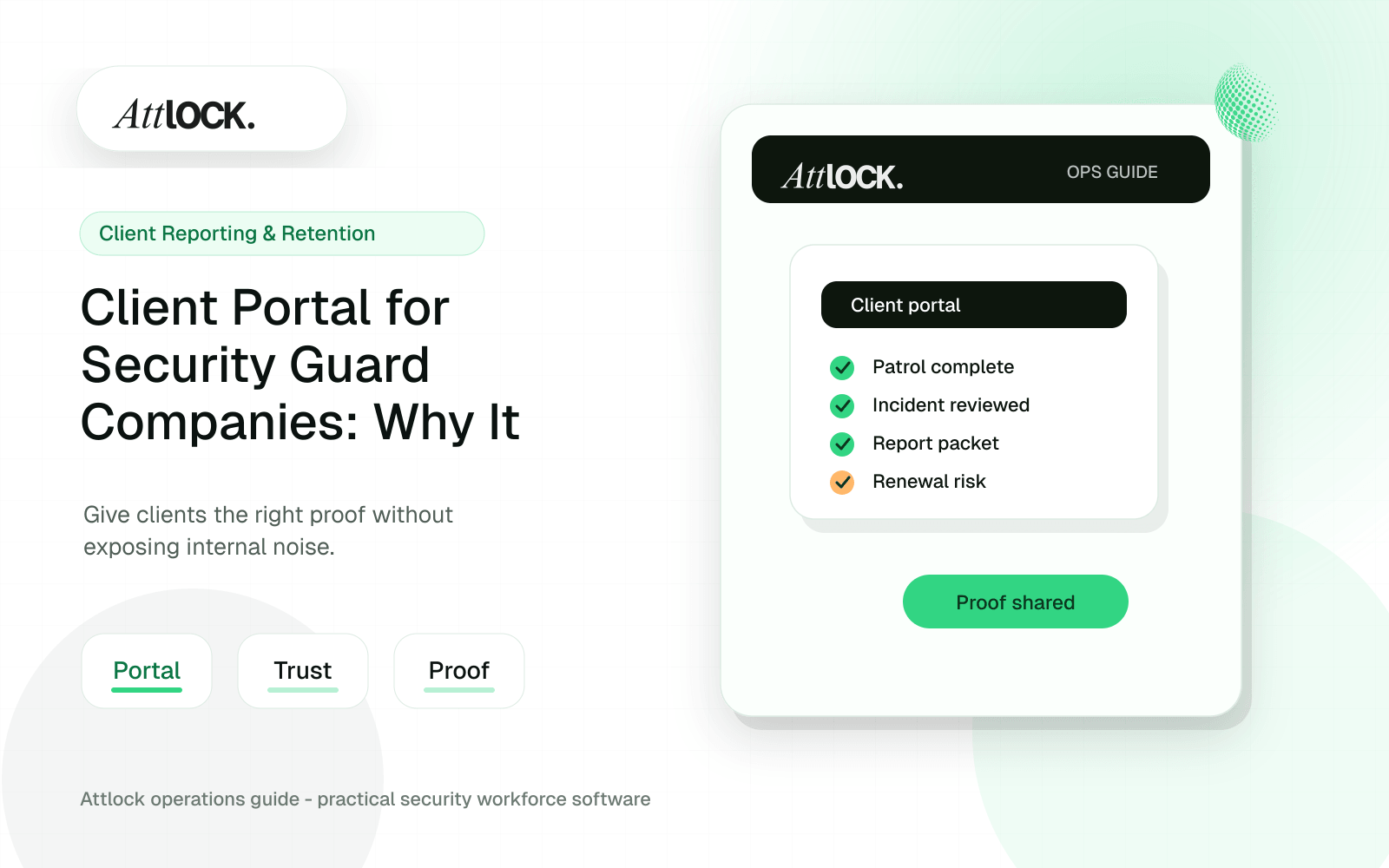
Table of Contents
- Client Portal Retention Toolkit
- What Clients Want To See
- Client-Facing Report Example
- Retention Workflow For Account Managers
- Portal Checklist
- Demo Script For Sales Or Renewal Calls
- Portal Metrics Worth Reviewing
- What Clients Should Be Able To See
- A Portal Is A Retention Tool
- What Not To Put In A Client Portal
- Operator Scenario: Monthly Review Meeting
- Where Attlock Fits
- A Practical Rollout Plan
- FAQ
- Do security clients need portal access?
- Can a client portal reduce admin work?
- Should clients see live GPS tracking?
- Who should own portal rollout?
- Operational Rollout Notes
- Configuration Table
- Related Attlock Workflows
Share Article
Client Portal Retention Toolkit
A client portal should make service easier to verify, discuss, and improve. For security guard companies, the portal is a shared workspace for incidents, patrol proof, daily activity, tasks, contacts, and account manager follow-up.
What Clients Want To See
| Client question | Portal content that helps |
|---|---|
| Was coverage completed? | Shift attendance, guard name, site, clock-in/out, and missed checkpoint notes |
| What happened today? | Daily activity report summary with attachments |
| Were incidents handled? | Incident timeline, status, supervisor review, and next action |
| Are patrols being done? | Checkpoint log, timestamp, GPS or map context, and exception notes |
| What needs my attention? | Open issues, approval requests, and recurring trends |
Client-Facing Report Example
| Area | Weekly site summary: North Lobby |
|---|---|
| Coverage | 7 scheduled shifts, 7 completed |
| Patrols | 42 checkpoint scans, 2 exception notes |
| Incidents | 1 visitor policy issue, resolved on-site |
| Maintenance notes | West stairwell light reported twice |
| Follow-up | Account manager to confirm repair ETA with property team |
Retention Workflow For Account Managers
- Review the client portal before the monthly check-in.
- Flag repeated issues: late relief, repeated maintenance notes, recurring trespass activity, or missed post orders.
- Prepare a one-page service summary from portal data.
- Share wins, open risks, and next actions with the client.
- Assign internal owners before the meeting ends.
- Record the agreed action plan in the client account.
Portal Checklist
- Client contact list is current.
- Site instructions are visible and versioned.
- DARs are complete and searchable.
- Incident reports include status and follow-up owner.
- Patrol proof is attached to the correct shift.
- Open tasks have due dates.
- Client-visible notes are written in neutral language.
- Sensitive internal notes stay internal.
Demo Script For Sales Or Renewal Calls
- Show the site dashboard for the last seven days.
- Show completed shifts, patrol activity, incidents, and open follow-ups.
- Open a specific DAR and its supporting checkpoint history.
- Show an exception with what was missed, why it was missed, and who reviewed it.
- Show the client-ready version without internal supervisor notes.
Portal Metrics Worth Reviewing
| Metric | Why it matters |
|---|---|
| Missed or late shifts | Shows coverage reliability |
| Open incidents | Shows unresolved operational risk |
| Patrol exceptions | Shows where supervision should focus |
| Repeated site notes | Shows client issues that may need escalation |
| Client logins or report views | Shows whether the client is engaging with service data |
What Clients Should Be Able To See
| Portal area | Client value | Control needed |
|---|---|---|
| Daily activity reports | Shows routine service happened | Supervisor-approved records |
| Incident reports | Explains what happened and how it was handled | Privacy and release rules |
| Patrol completion | Proves required checks were completed | Clear exceptions and timestamps |
| Photos and attachments | Adds evidence when relevant | Only reviewed media should be shared |
| Trends and recurring issues | Supports budget and site decisions | Clean summaries, not raw exports |
A Portal Is A Retention Tool
Many clients only think about security when something goes wrong or when the invoice arrives. A portal changes that rhythm. It gives account managers a place to show consistent patrols, closed incidents, issue patterns, and follow-up work. That visibility can make the service feel managed rather than invisible.
What Not To Put In A Client Portal
More access is not always better. Clients usually need reviewed proof, not every internal note, raw GPS point, draft report, or supervisor comment. Before launch, define which records are client-facing, which require approval, and which stay internal. That prevents confusion and protects sensitive information.
| Do share | Do not share by default |
|---|---|
| Approved DARs and incident summaries | Draft reports and internal correction notes |
| Completed patrol proof and exceptions | Every raw location ping |
| Client-specific documents and post updates | Company-wide internal policies |
| Reviewed photos tied to reports | Unreviewed media from a guard device |
Operator Scenario: Monthly Review Meeting
An account manager meets a commercial property client after several overnight trespass incidents. Instead of bringing anecdotes, they show patrol completion, incident timelines, photos, response notes, and recurring issue patterns from the portal. The conversation moves from “are guards doing their job?” to “what should we change at the site?” That is the value of visible service proof.
A good portal rollout should start with a narrow promise: give clients reliable access to the records they already ask for most often. For many companies, that means approved DARs, incident summaries, patrol completion, and current site contacts. Once those records are trusted, the company can add analytics, trend summaries, documents, and renewal reports. Starting small protects data quality and keeps the client experience focused on proof instead of overwhelming them with every internal detail.
Portal permissions matter as much as portal design. A property manager may need incident reports and patrol summaries. A regional director may need trend reporting across multiple sites. A facilities contact may only need documents and emergency contacts. Role-based access keeps the portal useful without exposing more information than each client stakeholder needs.
The portal should also reduce meeting prep. When reports, incidents, and patrol summaries are already organized by site, the account manager can walk into a review with evidence instead of building a deck from scattered exports.
Where Attlock Fits
Attlock client visibility is built around reviewed operational records: shifts, patrols, incidents, reports, and client-ready proof. The portal is not just a document dump. It is a controlled view of the work that matters to the client relationship.
Attlock is not meant to expose every internal operational detail. It works best when the company wants to share the right proof with the right client while keeping supervisor review and privacy controls in place.
A Practical Rollout Plan
- Week 1: audit the current client portal workflow, list the sites affected, and decide which records must be client-ready.
- Week 2: configure one active site with real guards, post orders, patrol requirements, notification rules, and supervisor ownership.
- Week 3: run the workflow during live shifts and measure missed steps, manual edits, supervisor review time, and client questions.
- Week 4: expand only after the pilot proves that guards can use the mobile workflow and managers can review the records without cleanup.
FAQ
Do security clients need portal access?
Many clients benefit from portal access when they expect regular reporting, incident visibility, patrol proof, or compliance documentation. Smaller clients may still prefer emailed summaries, but a portal becomes more valuable as reporting volume, site complexity, and renewal pressure increase.
Can a client portal reduce admin work?
Yes, if the portal gives clients access to approved reports and service proof without asking the office for every document. It will not reduce work if records still require manual cleanup before publishing. The internal workflow must be clean first.
Should clients see live GPS tracking?
Usually clients should see reviewed patrol proof and exceptions rather than unrestricted live GPS. Raw tracking can create unnecessary questions without context. A portal should translate field activity into service clarity, not overwhelm clients with operational data.
Who should own portal rollout?
Operations and account management should own it together. Operations controls data quality and approval rules. Account managers decide what clients need to see and how portal access supports reporting, issue resolution, and contract renewal conversations.
Operational Rollout Notes
Client reporting works when the record is useful to both operations and the customer. The goal is not more text. The goal is a reviewed summary with enough detail to prove service quality and enough structure to spot repeat issues.
Configuration Table
| Workstream | What to configure | Owner |
|---|---|---|
| Guard input | Activity notes, exceptions, attachments | Guard |
| Supervisor layer | Review, cleanup, classification, approval | Supervisor |
| Client packet | Summary, proof, risks, follow-up actions | Account manager |
| Retention loop | Recurring issues and renewal evidence | Leadership |
Related Attlock Workflows
In Attlock, this connects naturally to shift reports, client portal, and incident reporting so the article turns into an operating workflow instead of a static note.