Best TrackTik Alternatives for Security Guard Companies in 2026
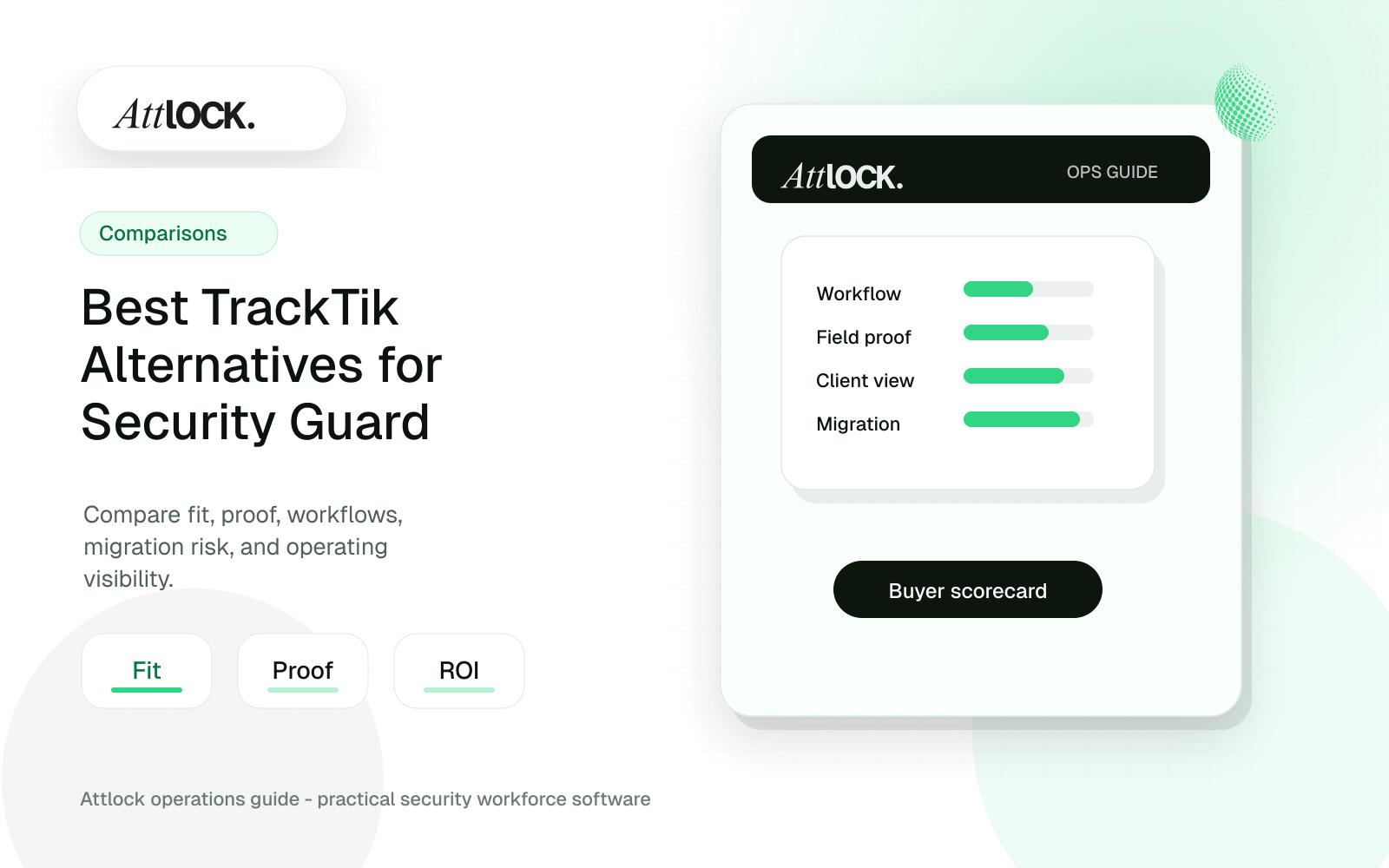
Table of Contents
- TrackTik Alternative Buyer Toolkit
- Best-Fit Shortlist
- Owner Scorecard
- Demo Script To Give Every Vendor
- Client Proof Outputs To Demand
- Red Flags
- Migration Checklist
- Final Choice Rule
- Quick Verdict
- What To Compare Before You Switch
- Red Flags In TrackTik Alternative Demos
- Operator Scenario: Replacing A Heavy System
- Where Attlock Fits
- A Practical Rollout Plan
- FAQ
- What is the best TrackTik alternative for security companies?
- Should I replace TrackTik with a general workforce app?
- What should I ask during a TrackTik alternative demo?
- How fast should a company see improvement after switching?
- Operational Rollout Notes
- Configuration Table
- Related Attlock Workflows
Share Article
TrackTik Alternative Buyer Toolkit
Do not pick a TrackTik alternative from a feature grid. Pick it from a live proof test: one site, one guard, one supervisor, one client report, and one payroll exception.
Best-Fit Shortlist
| Option | Best fit | Must prove in the demo |
|---|---|---|
| TrackTik | Larger operations evaluating broad security workforce and back-office workflows | Dispatch, scheduling, billing/payroll prep, client proof, and exports using your data |
| GuardsPro | Firms focused on guard tour, reporting, time clock, and client portal workflows | Mobile usability, report templates, supervisor alerts, and client access |
| Attlock | Teams that want security-operations proof centered on guards, sites, shifts, patrols, incidents, supervisors, and clients | A live shift-to-report workflow using your real site structure |
| Point tools | Very small teams with simple needs | Data export, audit history, and client-ready reporting |
| General workforce apps | Companies where payroll or HR owns the buying decision | Security-specific field proof without forcing supervisors into finance-first screens |
Owner Scorecard
Score each vendor 0-4. 0 means not shown. 1 means screenshot. 2 means generic demo. 3 means demo with your data. 4 means live scenario plus exportable proof.
| Category | Weight | What to test |
|---|---|---|
| Guard mobile adoption | 20% | Clock-in, post orders, patrol, incident, photos, and weak-signal handling |
| Supervisor control | 15% | Missed checkpoint, late guard, escalation, and reassignment |
| Client proof | 20% | Portal or report showing who, where, when, what happened, and attachments |
| Scheduling and time | 15% | Open shift, overtime warning, break, and payroll exception |
| Reporting flexibility | 10% | DAR, incident, tour, site, client, and date filters |
| Migration risk | 10% | Sites, guards, clients, reports, history, and attachments |
| Admin overhead | 10% | How many clicks it takes to fix a real daily problem |
Demo Script To Give Every Vendor
- Create a client called Harbor Plaza with two sites and three checkpoints.
- Schedule a 10 PM to 6 AM shift with one guard and one backup.
- Have the guard attempt an early or offsite clock-in.
- Run a patrol with one missed checkpoint.
- Submit an incident with photos, category, severity, and witness notes.
- Trigger supervisor review and correction.
- Send a client-ready proof packet.
- Export time, exceptions, and incident data for payroll or admin review.
Client Proof Outputs To Demand
| Output | Should show |
|---|---|
| Daily activity report | Guard name, site, shift, timestamps, notes, and photos |
| Tour exception report | Missed or late checkpoints, reason, and supervisor action |
| Incident packet | Severity, narrative, photos, location, witness, and follow-up |
| Client portal view | Only that client’s sites, reports, schedules, and incidents |
| Payroll exception export | Late clock-in, missed break, overtime, and manual edits |
Red Flags
- The vendor says a core workflow can be configured only after you sign.
- Client reports look good as static PDFs but cannot filter by site, shift, guard, or incident type.
- Supervisors cannot see exceptions without manually running a report.
- The guard mobile flow takes too many taps during a patrol.
- Pricing depends on modules that were not visible in the first quote.
- Data export is limited, manual, or missing attachments.
- Role permissions are too broad for multi-client operations.
Migration Checklist
| Data | Minimum migration decision |
|---|---|
| Clients, sites, posts | Import active records first; archive closed sites separately |
| Guards and supervisors | Map roles, phone numbers, certifications, and pay rules |
| Checkpoints and routes | Rebuild active tours; avoid importing obsolete patrol clutter |
| Reports and forms | Start with three to five high-use templates |
| History | Keep the old system read-only if full import is too expensive |
| Attachments | Decide whether photos and files must migrate or stay archived |
Final Choice Rule
Choose the platform that proves your daily operating truth fastest: guard shows up, patrol is completed, incident is documented, supervisor acts, client receives proof, and payroll or admin can reconcile without chasing screenshots.
Quick Verdict
| Option | Best fit | Watch for | Demo question |
|---|---|---|---|
| TrackTik | Larger teams evaluating broad workforce management | Implementation weight and workflow fit for field users | How long does a normal multi-site rollout take? |
| Guard-tour-first tools | Companies focused mostly on checkpoints and patrol logs | Scheduling, payroll handoff, and client visibility gaps | Can this replace our schedule, reports, and portal work? |
| Generic workforce apps | Simple staffing without security-specific proof requirements | Weak incident, post order, patrol, and client reporting depth | How do we prove service when a client disputes coverage? |
| Attlock | Security teams that want scheduling, patrol proof, reports, and client visibility connected | Not built for companies that only want a basic time clock | Can we pilot one live site before a full rollout? |
What To Compare Before You Switch
A credible comparison should follow the operating record from assignment to client proof. Start with scheduling, then time clock, patrol requirements, incident documentation, supervisor review, and the client report. If a vendor cannot show that path in one workflow, your team may still be stitching records together after implementation.
- Guard mobile experience: number of taps, offline behavior, post order access, and how easily a new guard can complete a shift.
- Supervisor visibility: late starts, missed patrols, open incidents, report approvals, and unresolved exceptions.
- Client proof: daily activity reports, incident summaries, patrol completion, photo evidence, and portal access.
- Migration control: export access, historical records, site setup, user roles, and how the vendor helps move active operations.
Red Flags In TrackTik Alternative Demos
| Red flag | Why it matters | What to ask instead |
|---|---|---|
| Only the admin dashboard looks polished | Guards create the data; if the field app fails, the dashboard is fiction | Show a guard completing a full shift on mobile |
| Client reports require manual cleanup | Account managers lose hours and reports arrive late | Show the exact report a client would receive |
| Patrol proof is isolated from scheduling | You cannot connect required coverage to actual activity | Show a missed patrol during a scheduled shift |
| No clear export story | Switching later becomes expensive and risky | Show how incidents, sites, guards, and reports export |
Operator Scenario: Replacing A Heavy System
Consider a 75-guard company with retail, warehouse, and residential sites. The owner wants fewer missed-shift surprises. Supervisors want proof when a client asks whether a patrol happened. Account managers want reports that do not require a spreadsheet cleanup. A good alternative should run that exact workflow during a demo: assign the shift, clock in at the site, complete checkpoints, file an incident with a photo, approve the report, and show what the client sees.
Where Attlock Fits
Attlock fits when the buying team wants one operating loop for security work: schedule the guard, confirm attendance, guide the site work, capture exceptions, review the record, and share proof with the client. It is built around security companies, so patrols, post orders, incident records, and client visibility are treated as core workflows rather than add-ons.
Attlock is not the best fit if you only need a low-cost generic time clock or a single-purpose QR checkpoint app. It is strongest when the company wants to reduce disconnected tools and run a more accountable security operation.
A Practical Rollout Plan
- Week 1: audit the current TrackTik alternative workflow, list the sites affected, and decide which records must be client-ready.
- Week 2: configure one active site with real guards, post orders, patrol requirements, notification rules, and supervisor ownership.
- Week 3: run the workflow during live shifts and measure missed steps, manual edits, supervisor review time, and client questions.
- Week 4: expand only after the pilot proves that guards can use the mobile workflow and managers can review the records without cleanup.
FAQ
What is the best TrackTik alternative for security companies?
The best alternative is the one that fits your operating model: mobile guards, supervisors, dispatch, patrol proof, reports, clients, and data ownership. Attlock is a strong fit for companies that want those workflows connected instead of spread across separate tools. Buyers should still pilot one live site before switching every account.
Should I replace TrackTik with a general workforce app?
Usually no, unless your operation only needs basic scheduling and attendance. Security companies also need patrol verification, post orders, incident reports, client proof, and supervisor review. A general workforce tool can look cheaper at first but create manual work around the records clients care about most.
What should I ask during a TrackTik alternative demo?
Ask the vendor to run a complete shift workflow, not a feature tour. The demo should show scheduling, clock-in, post orders, patrol completion, incident reporting, supervisor approval, client reporting, and data export. If the vendor cannot show the handoff between steps, implementation risk is higher.
How fast should a company see improvement after switching?
A focused pilot should show early improvement within 30 days if the workflow is configured around real sites. The clearest signals are fewer manual report edits, faster supervisor review, cleaner client updates, and better visibility into missed shifts or patrol exceptions.
Operational Rollout Notes
Comparison articles should help a buyer test fit, not just list features. The practical move is to run the same workflow through each platform and score how much cleanup remains after the demo ends.
Configuration Table
| Workstream | What to configure | Owner |
|---|---|---|
| Workflow test | One site, one shift, one patrol, one incident | Buyer team |
| Proof quality | Timestamps, GPS, media, approval trail | Operations lead |
| Client output | Portal view, report packet, exception summary | Account manager |
| Migration risk | Data import, training, rollout support | Leadership |
Related Attlock Workflows
In Attlock, this connects naturally to guard tour system, scheduling, and client portal so the article turns into an operating workflow instead of a static note.