
Billable vs. Payable: The One Metric Most Security Agencies Ignore
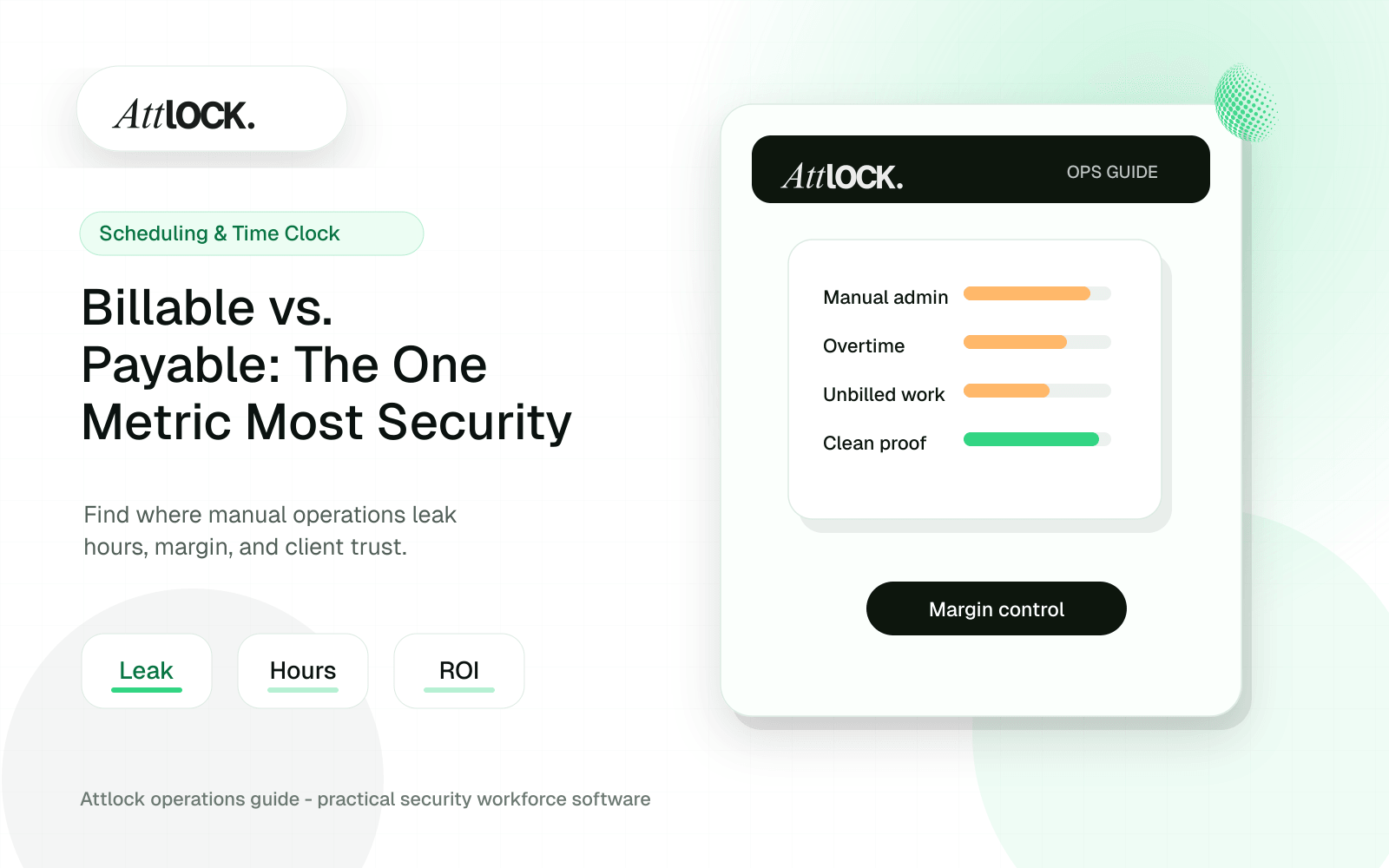
Table of Contents
- What Billable vs. Payable Means
- The Core Formulas Security Companies Should Track
- Where Margin Usually Leaks
- 1. Overtime Used to Fill Last-Minute Call-Offs
- 2. Early Clock-Ins and Late Clock-Outs
- 3. Unbilled Supervisor Work
- 4. Rate Mismatches
- 5. Manual Approval Delays
- How Attlock Helps Teams Control the Gap
- A Weekly Billable vs. Payable Review
- When This Metric Changes the Business
- FAQ
- What is the difference between billable and payable hours?
- Why does this matter for security guard companies?
- How often should managers review billable vs. payable?
- A Practical Site-Level Example
- What Owners Should Ask Every Week
- How to Use This Metric During Contract Renewal
- Attlock Implementation Checklist
- Common Mistakes That Hide the Real Number
- Operational Rollout Notes
- Configuration Table
- Related Attlock Workflows
Share Article
Billable vs. payable hours is the gap between the hours a security company charges clients and the labor hours it pays guards, supervisors, and field staff. When that gap is not tracked in real time, overtime, unbilled site checks, early clock-ins, missed rate changes, and manual payroll corrections quietly reduce margin on every contract.
Most security agencies know how many hours they billed last month. Far fewer know which sites created profit, which sites leaked margin, and which shifts looked good on the schedule but lost money by the time payroll closed. That is why billable vs. payable should be treated as a daily operating metric, not an end-of-month accounting report.
What Billable vs. Payable Means
Billable hours are the hours you can invoice to a client under the contract. Payable hours are the hours you must pay your team for working, waiting, traveling, supervising, training, or correcting a shift. The difference between those two numbers tells you whether your operation is converting coverage into profit or absorbing hidden labor costs.
A simple example makes the risk clear. A site may require 40 billable hours each week. If a call-off forces you to cover four of those hours with an overtime guard, your invoice may stay flat while your labor cost rises. The site still appears fully covered, but the margin has changed.
The Core Formulas Security Companies Should Track
- Billable hours: the approved hours that can be invoiced to the client.
- Payable hours: the hours that appear on payroll, including regular time, overtime, travel, training, and approved adjustments.
- Labor margin: billable revenue minus payable labor cost for the shift, site, or contract.
- Leakage rate: payable labor cost that cannot be tied back to approved client billing.
- Exception rate: the share of shifts with overtime, missed clock-ins, manual edits, late approvals, or unplanned replacements.
The goal is not to punish guards or supervisors. The goal is to catch operational exceptions early enough to protect the contract. A profitable site can become a weak account when overtime, manual edits, and unbilled work become normal.
Where Margin Usually Leaks
1. Overtime Used to Fill Last-Minute Call-Offs
A call-off rarely changes the client invoice, but it can change your payroll cost immediately. If dispatch fills the open post with a guard already near overtime, the company may lose margin even though the site is covered. This is one of the most common ways a healthy contract becomes less profitable than expected.
2. Early Clock-Ins and Late Clock-Outs
A few minutes may not matter on one shift. Across hundreds of posts, early arrivals, late departures, and manual time edits can create a meaningful payroll delta. The issue is not the minutes themselves; it is the lack of visibility until payroll review.
3. Unbilled Supervisor Work
Supervisor checks, emergency coverage, training visits, uniform drop-offs, and client meetings are often necessary, but they are not always billable. If that work is not measured, it disappears into overhead and makes account profitability harder to understand.
4. Rate Mismatches
Security contracts often include different rates for holidays, armed guards, mobile patrols, special events, and emergency coverage. When bill rates and pay rates are managed in different spreadsheets, small setup mistakes can carry through every invoice and every payroll run.
5. Manual Approval Delays
When time cards, reports, and shift exceptions are approved late, managers lose the chance to correct issues while they are still fresh. By the time accounting sees the problem, the work has already happened and the cost has already been incurred.
How Attlock Helps Teams Control the Gap
Attlock is designed for security operations where scheduling, time clock, patrol proof, reporting, and client visibility all affect margin. When these workflows live in one operating system, managers can connect what happened in the field to what should be billed and paid.
- Scheduling context helps managers see who is assigned, where coverage is missing, and when overtime risk may appear.
- Time clock records create a cleaner source of truth for attendance, late starts, early clock-ins, and shift exceptions.
- Site and shift history gives managers better context before approving payroll or explaining service delivery to a client.
- Digital reporting reduces the admin work that usually sits between field activity and client-ready documentation.
- Centralized operations data helps owners compare sites by coverage, exceptions, and profitability signals instead of relying on intuition.
A Weekly Billable vs. Payable Review
Security companies do not need a complicated finance process to start improving. A weekly review can expose the biggest issues quickly. Start with your highest-volume sites and compare scheduled hours, approved payable hours, billable hours, overtime, manual edits, and unbilled supervisor activity.
- Review the five largest contracts by weekly labor cost.
- Compare scheduled hours against payable time clock records.
- Flag overtime shifts that were not priced as overtime coverage.
- Identify site visits, dispatch work, or supervisor hours that were not assigned to a billable line item.
- Adjust future schedules, contract terms, or approval rules before the next payroll cycle.
When This Metric Changes the Business
Once owners can see billable vs. payable clearly, conversations change. Pricing becomes more defensible. Contract renewals become easier to justify. Low-margin clients become visible. Supervisors can be coached on exceptions instead of blamed after the fact. Payroll stops being a monthly surprise and becomes an operational feedback loop.
The most profitable security companies do not simply bill more hours. They understand which hours create margin, which hours create risk, and which workflows need to be tightened before they become expensive habits.
FAQ
What is the difference between billable and payable hours?
Billable hours are the hours a security company can charge to a client. Payable hours are the hours the company must pay to guards and staff. The difference shows whether labor is being converted into profitable revenue or absorbed as extra cost.
Why does this matter for security guard companies?
Security companies operate on tight labor margins. Overtime, call-offs, manual time edits, unbilled supervisor work, and rate mismatches can reduce profit even when every client post is covered.
How often should managers review billable vs. payable?
Weekly review is a practical baseline. High-volume or high-risk sites should be reviewed more often, especially when overtime, open shifts, or manual corrections are common.
A Practical Site-Level Example
Imagine a security company bills a client for one overnight guard from 10 p.m. to 6 a.m. five nights a week. On paper, that is 40 billable hours. If the assigned guard works the exact schedule at the expected pay rate, the contract is easy to understand. But real sites rarely stay that clean.
Now add a call-off, one emergency supervisor visit, two early clock-ins, and one overtime replacement. The client may still receive the same invoice for the same coverage, but payroll now includes a more expensive replacement, extra supervisor time, and time clock variance. The schedule shows coverage. The invoice shows revenue. Only a billable vs. payable review shows the margin leak.
What Owners Should Ask Every Week
- Which sites had the highest overtime cost this week?
- Which shifts had payable time that did not map cleanly to billable contract hours?
- Which guards or posts generated the most manual corrections?
- Which clients required extra supervisor attention that was not priced into the contract?
- Which sites should be reviewed before renewal because the true cost to serve has changed?
These questions turn finance into an operations tool. Instead of waiting for a monthly profit-and-loss statement, managers can correct staffing patterns, coach supervisors, and improve contract terms while there is still time to protect the account.
How to Use This Metric During Contract Renewal
Billable vs. payable data is especially valuable during renewals. If a client requests more post checks, faster response, additional reporting, or special coverage rules, the security company can show how those expectations affect labor. This makes pricing conversations more factual and less defensive.
For example, a site with frequent call-offs may need a higher bill rate, a minimum emergency coverage fee, or a dedicated backup pool. A site with heavy supervisor involvement may need a separate account management line item. A site with repeated late approvals may need clearer reporting and billing rules. Without the data, those conversations become guesswork.
Attlock Implementation Checklist
- Set up site-level bill rates and pay assumptions before publishing recurring schedules.
- Review overtime risk before assigning guards to open shifts.
- Use time clock exceptions to identify early clock-ins, late clock-outs, and manual edits.
- Tie reporting and supervisor activity back to the sites that create the work.
- Review margin signals weekly with operations, not only with accounting.
When the same system supports scheduling, time clock, reporting, and operational review, the company can see the full story behind each shift. That is where Attlock gives security operators a cleaner path from field activity to financial control.
Common Mistakes That Hide the Real Number
The most common mistake is measuring only total revenue. Revenue can increase while margin falls if the new work requires more overtime, more supervisor attention, or more manual administration than expected. A second mistake is reviewing payroll after invoices are already sent. At that point the company may understand the problem, but it has missed the chance to prevent it.
A third mistake is treating all sites the same. Two sites with the same bill rate can perform very differently. One may have stable guards, clean clock-ins, and predictable reporting. Another may have frequent call-offs, higher turnover, more client escalations, and more supervisor visits. Billable vs. payable exposes those differences so managers can respond with better staffing, pricing, or contract terms.
Operational Rollout Notes
Treat payroll accuracy as a chain of evidence. The useful record starts with the scheduled shift, continues through clock-in verification, and ends with a reviewed exception history that explains what should be paid and what can be billed.
Configuration Table
| Workstream | What to configure | Owner |
|---|---|---|
| Scheduled hours | Expected site, role, and shift time | Scheduler |
| Actual hours | Clock-in, clock-out, break, and geofence result | Supervisor |
| Exception review | Late starts, missed breaks, overtime, manual edits | Payroll lead |
| Export packet | Approved hours with notes and audit trail | Admin |
Related Attlock Workflows
In Attlock, this connects naturally to time and attendance, payroll, and scheduling so the article turns into an operating workflow instead of a static note.